10 ADHD Productivity Tools for Founders: What Works
Ten ADHD productivity tools for founders, with honest limits and tips for choosing systems that support executive function without extra clutter.
Jan Kutschera
Stop building a bigger productivity stack. A calendar, task manager, focus timer, AI assistant, and habit tracker can become an unpaid operations role with you as its least enthusiastic employee.
The best tool is the one you still open on Tuesday. For a founder with ADHD, the problem may not be finding another app. It may be maintaining the system after the setup excitement disappears, the client escalates, and your carefully color-coded priorities meet actual Tuesday.
The distinction matters. A systematic review of digital ADHD interventions found potential benefits but judged overall effectiveness inconclusive, with generally low-quality evidence. An attractive interface isn’t proof of lasting improvement.
These ADHD productivity tools are compared by the work they take off your plate: starting, remembering, scheduling, and finishing, plus the upkeep they demand. Those labels describe practical support, not a claim that software replaces your brain or treats ADHD.
If you’re browsing the AI Tool Seekers productivity category, use the same filter: what decision does this remove, and what maintenance does it add?
Choose for your difficult days. Your highly motivated self can operate almost anything, including an unnecessarily elaborate spreadsheet.
Table of Contents
- 1. Jan Kutschera
- 2. Tiimo
- 3. Amazing Marvin
- 4. Structured
- 5. Goblin Tools
- 6. Focusmate
- 7. Flow Club
- 8. Sunsama
- 9. Motion
- 10. Todoist
- How the 10 Tools Compare on Cost and Best Use
- Pick One Tool, Then Build the Habit Around It
1. Jan Kutschera
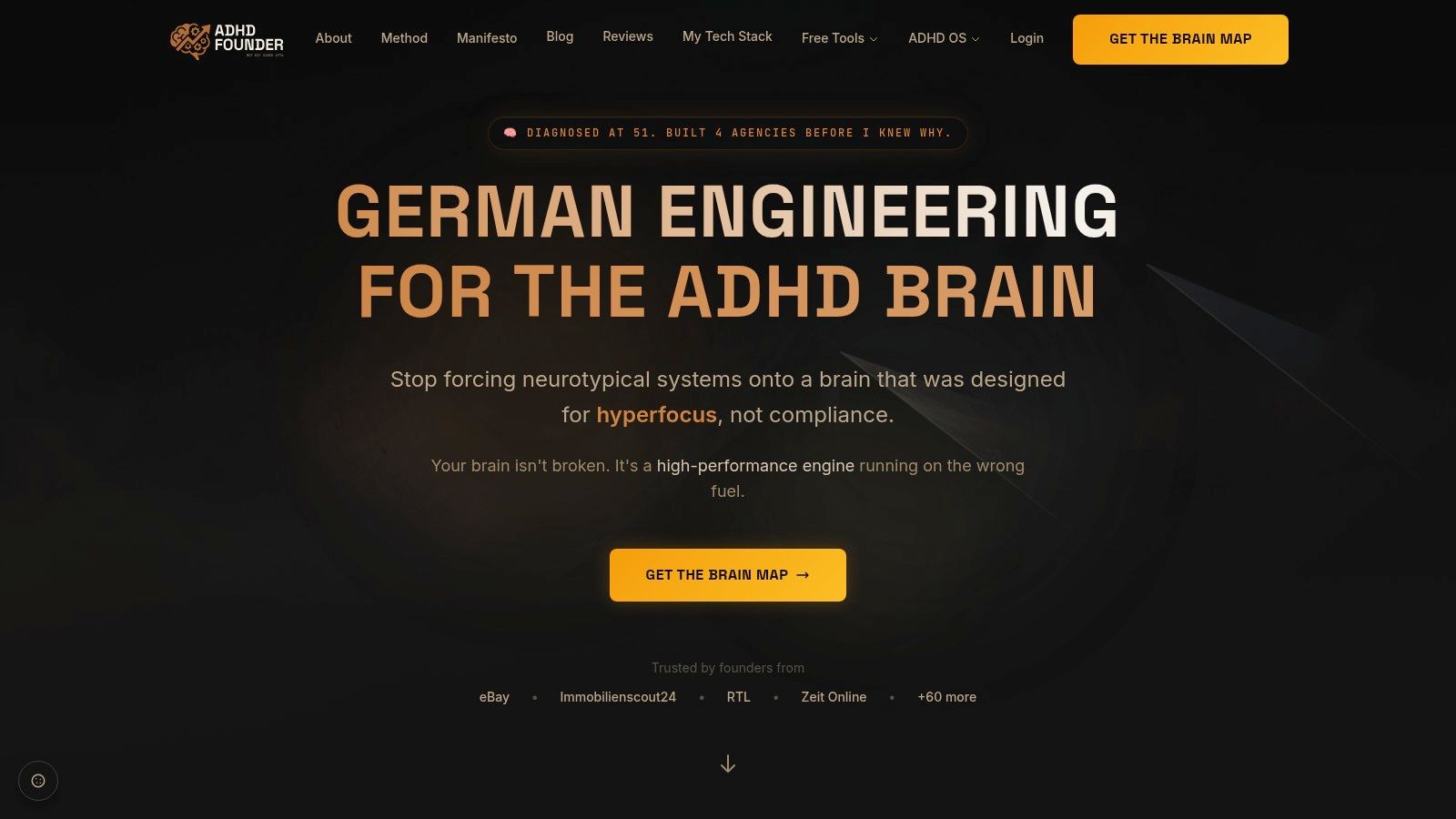
Best for founders whose problem extends beyond personal task management. Jan Kutschera offers operating-system design, business frameworks, and advisory rather than another place to store overdue tasks.
Our approach draws on 30 years of building ADHD-compatible systems. Jan’s diagnosis at 51 helped explain why those external structures had worked, and the method now combines Cognitive Architecture, Dopamine Engineering, Strategic Delegation, and Bio-Optimization.
What it takes off your plate
The practical difference is scope. A planner helps you schedule a proposal; an operating-system approach asks whether you should write it, which parts someone else should own, and what makes the handoff reliable.
- Starting and remembering: External structures reduce dependence on keeping every intention active in your head.
- Finishing and delegation: Explicit ownership and handoffs help separate founder decisions from work the team can execute.
- Sustainable execution: Sleep, nutrition, movement, and reward design belong in the operating model, not in a motivational footnote.
The Starter Kit / Brain Map includes Brain Mapping, a personal report or blueprint, training, and the associated toolkit. Free resources include the Wall of Awful, Morning Blueprint, Weekly Build Filter, and Execution Audit, while the System Sprint includes individual consulting with the preparation, follow-up materials, and support stated in the offer.
Upkeep is implementation work, not dashboard gardening. You still have to change how you capture commitments, delegate, and recover when routines slip.
This is the strongest fit when you need to redesign how the business depends on you. It’s less appropriate if you need a fast shopping list, and testimonials about clarity or focus aren’t guarantees of results. Coaching and business frameworks aren’t medical treatment.
2. Tiimo
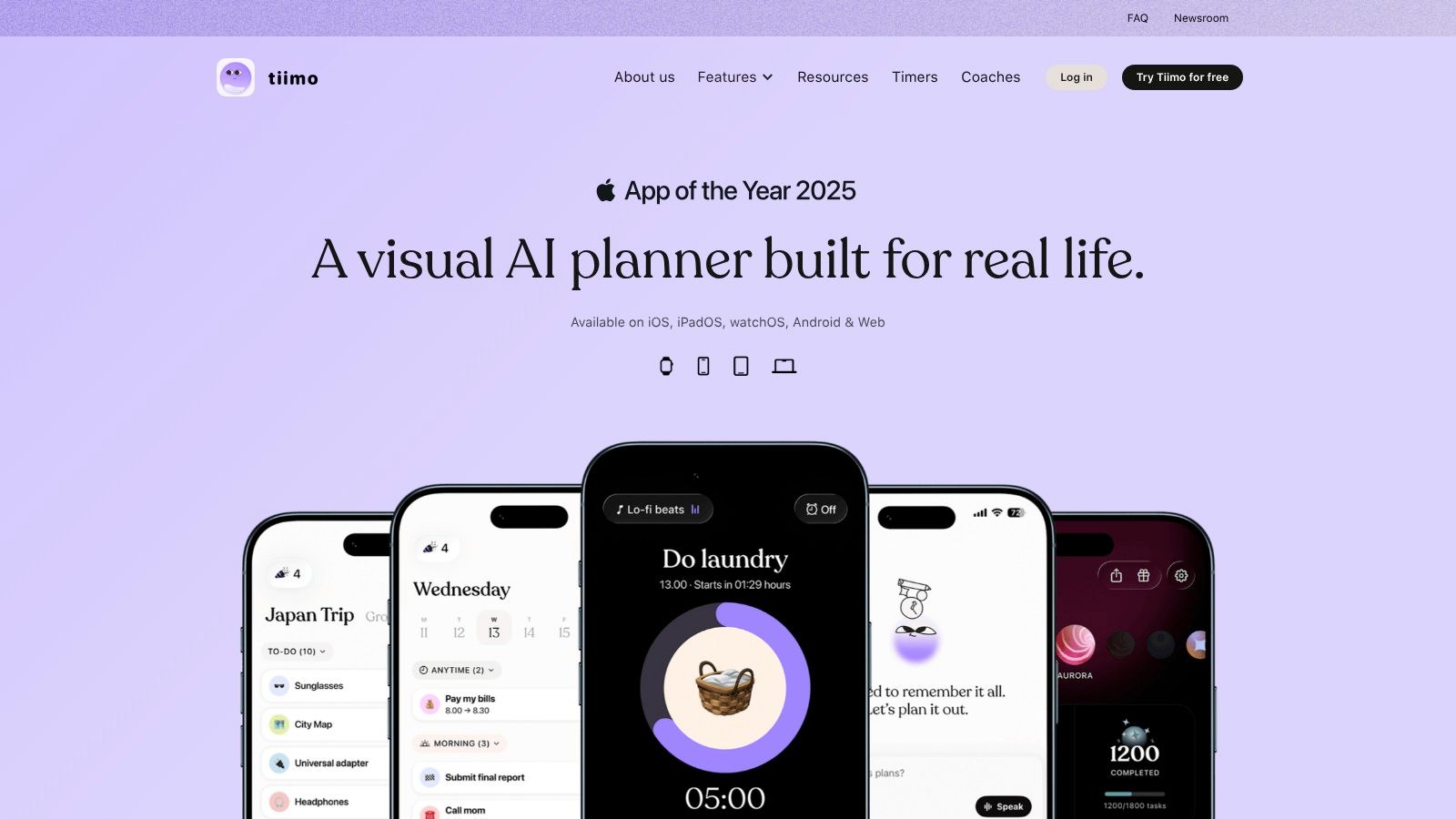
A text list tells you what exists. Tiimo helps you see where work belongs in your day. Its visual schedules, routines, reminders, and focus tools suit founders who understand a timeline more readily than a dense backlog.
Tiimo offers core planning tools in a free version, with Pro features including AI planning and task breakdown. Availability across phones, computers, and Apple Watch can help keep the plan accessible, though particular features depend on the subscription.
Primary support is scheduling and remembering. The useful move is putting a client call, preparation block, lunch, and transition time into the same visible day instead of pretending only meetings consume time.
Practical rule: Schedule the transitions you routinely forget, not just the work you hope to finish.
Upkeep is moderate. Start with appointments and broad work blocks, then add detail only where it solves a recurring problem.
Tiimo becomes overwhelming when you attempt to choreograph every email and interruption. A detailed visual schedule can be reassuring during setup and exhausting to repair after an unexpected call.
I’d choose it over a conventional task list when seeing the day reduces uncertainty. I wouldn’t choose it merely because a visual planner looks friendlier. You still need a rule for what gets postponed when your day changes, or you’ll spend the afternoon moving attractive blocks around.
3. Amazing Marvin
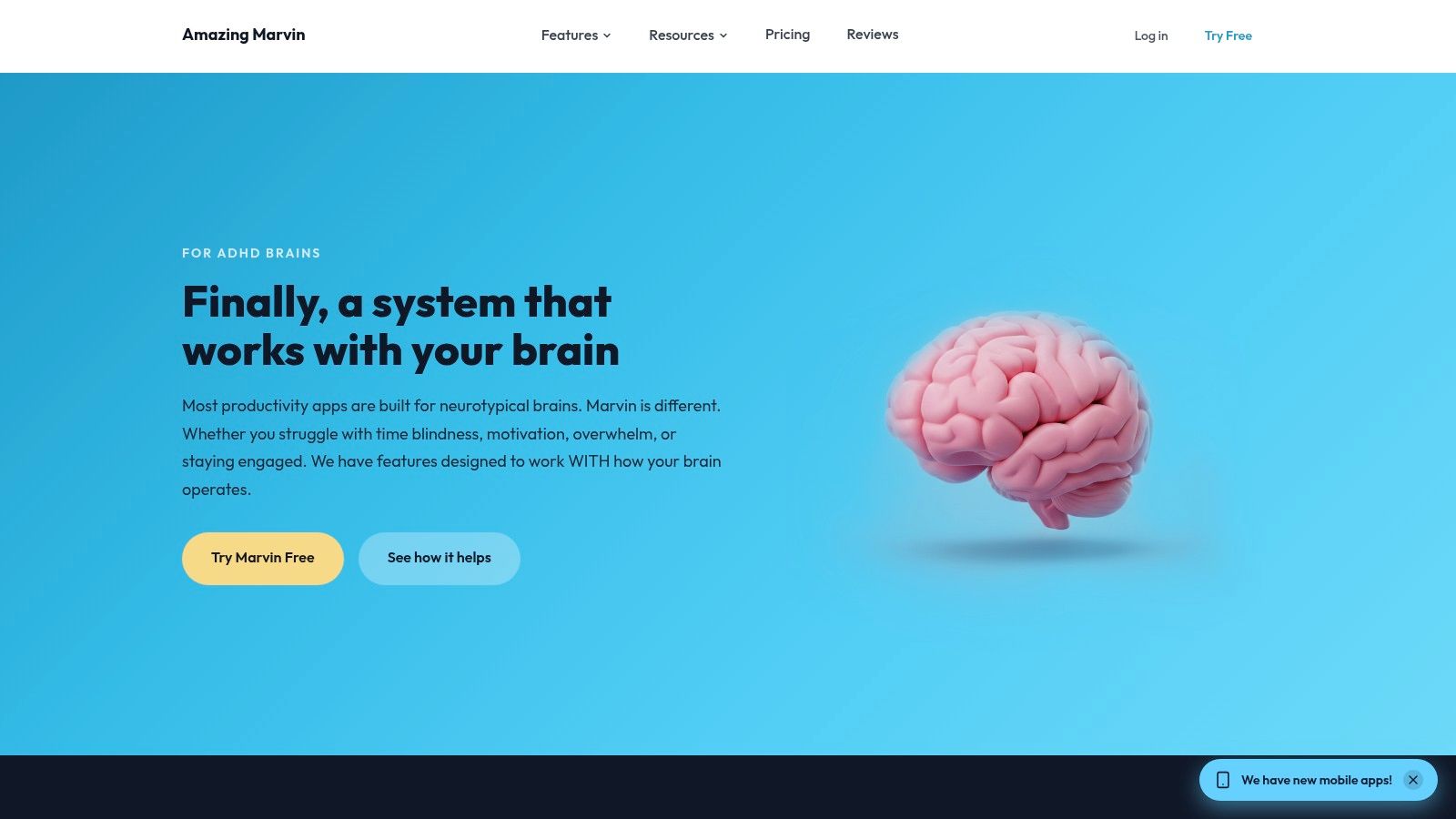
Amazing Marvin’s flexibility is both its advantage and its trap. You can adapt the planner to your working style, or spend your productive energy designing the perfect environment in which productivity might eventually occur.
Amazing Marvin combines task management with options such as focus timers, brain dumps, time estimates, visual progress, and funnel views that narrow a larger task list. It requires a subscription after its trial.
Configure less than you want to
Primary support is starting and finishing. Narrowing the visible task pool can help you move from everything you could do to something you can begin.
For an agency founder, that might mean capturing the full delivery backlog but showing only the next actionable client task during a focus block. The rest remains available without demanding attention.
- Keep enabled: A simple capture route, a focused working view, and whichever timing aid you use.
- Leave disabled initially: Extra themes, gamification, and strategies that don’t solve an identifiable bottleneck.
- Watch for overwhelm: Reconfiguring your system whenever a task feels uncomfortable.
Upkeep is moderate to high, depending on your restraint. Marvin rewards deliberate configuration, but its settings can become a very respectable-looking avoidance activity.
Our ADHD planner app comparison can help you distinguish customization needs from a preference for something simpler. Choose Marvin when a rigid planner blocks you, not when novelty is the main attraction.
4. Structured

Say you’ve got a sales call, a proposal, and a hiring decision to make. A task list can make that look comfortably manageable until you place the work around meetings and discover you’ve also assumed teleportation between contexts.
Structured puts tasks and appointments into a visual daily timeline. Its inbox lets you capture an intention before deciding when it belongs, an important distinction when scheduling would otherwise interrupt the work you’re doing.
Primary support is scheduling, with remembering handled through capture and reminders. Subtasks and notes can keep the next action attached to its planned work block.
Capture now, schedule deliberately
The core planner is free and ad-free. Pro adds capabilities such as calendar and reminders imports, with AI planning and replanning available on supported platforms; feature availability isn’t identical across iOS, Android, and web.
Upkeep is moderate. Use the inbox for incoming work, then schedule from it during a deliberate planning pass rather than rearranging your timeline after every new thought.
Structured’s failure mode is false precision. If you schedule every minor action, an ordinary interruption can leave the whole afternoon looking broken.
Keep routine admin inside a broader block and reserve detailed scheduling for work that needs protected attention. Compared with a heavily customizable task manager, Structured makes the day easier to inspect, but it won’t decide which commitments deserve to survive.
5. Goblin Tools
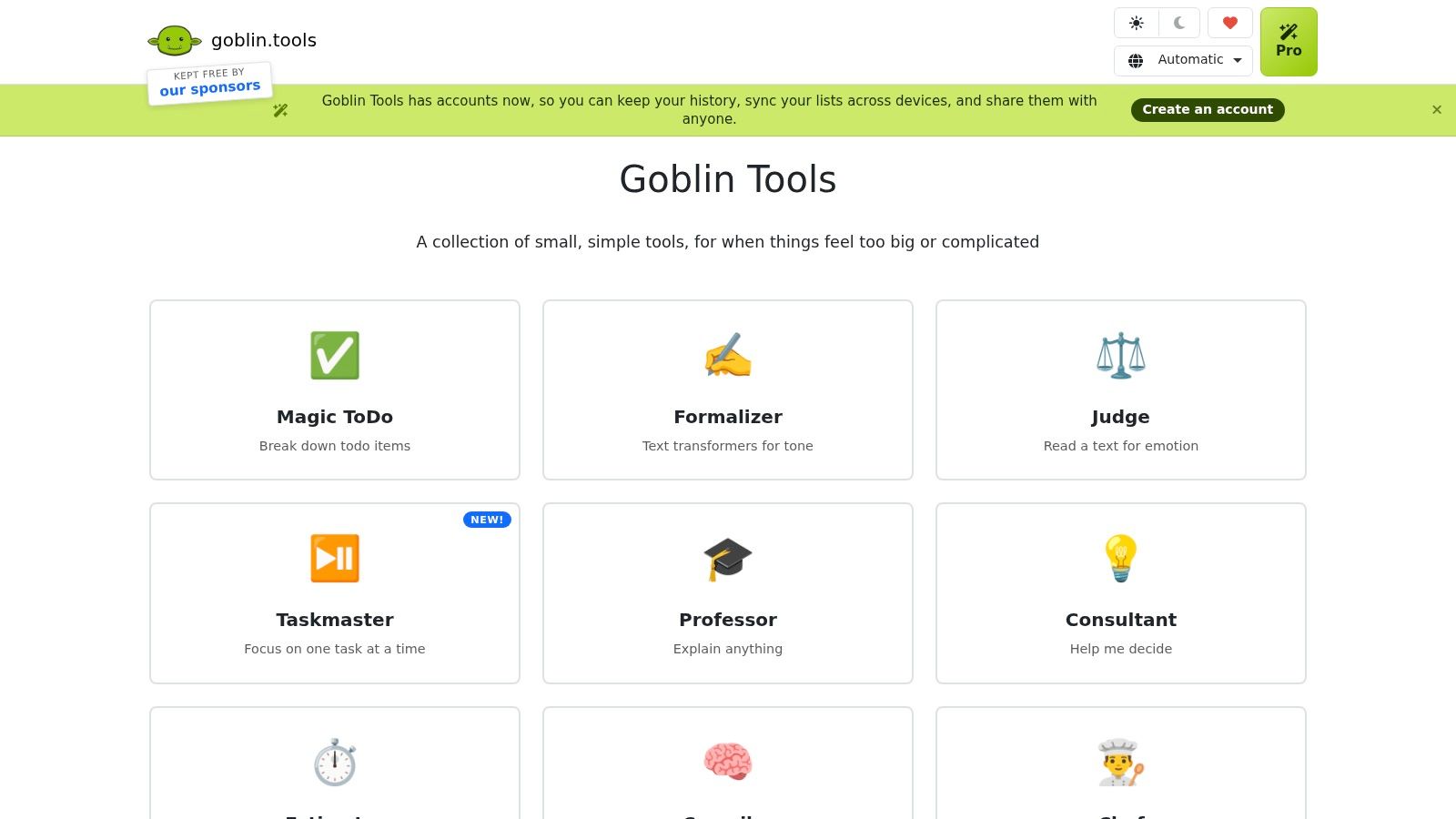
Launch the offer is not a useful next action when you’re stuck. Open the draft sales page and write the customer problem is considerably easier to begin.
Goblin Tools is useful at that translation point. Magic ToDo breaks a task into smaller steps, while companion tools can turn a brain dump into actions, suggest durations, or help rephrase text.
Primary support is starting. It complements your existing planner rather than requiring you to move your business into another system.
A survey-based ACM design study found task breakdown valuable in exploratory usability testing, while also identifying discoverability and interaction-clarity problems. That supports a practical design principle, not a clinical endorsement of Goblin Tools: the breakdown must be easy to reach when you’re already struggling.
- Useful approach: Generate steps, remove irrelevant suggestions, and transfer the next action into your existing task system.
- Upkeep: Low when used on demand, higher if you maintain duplicate lists.
- Overwhelm warning: Breaking every task down until the checklist becomes more intimidating than the original work.
The core website tools are free; optional Pro features include cross-device sync and templates. AI-generated steps and duration estimates need review, especially for client work involving dependencies, specialist judgment, or confidential information.
Use it to identify a workable beginning, not to manufacture administrative confetti.
6. Focusmate
Sometimes you know exactly what to do. You aren’t doing it.
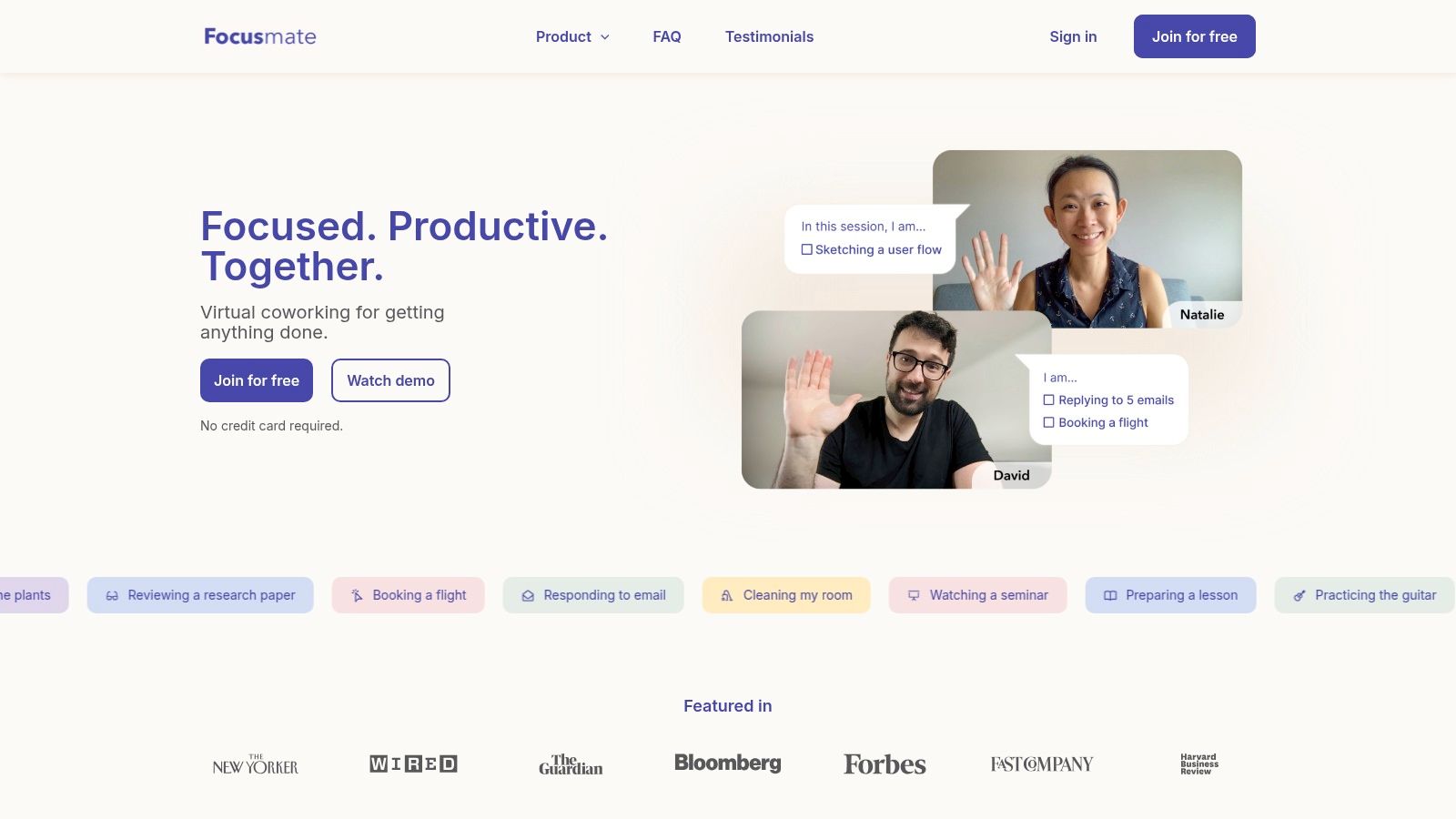
Focusmate addresses that gap through scheduled video coworking with a matched partner. You briefly state your intention, work, and return for a closing check-in.
Primary support is starting and finishing a defined work block. It turns a private intention into an appointment without requiring the other person to understand your business.
Book the work you avoid, not the work you’re already excited to do.
For a founder, that might be reconciling expenses, editing a proposal, or sending a difficult follow-up. Define a visible outcome before the session so you don’t spend the opening negotiating with your own backlog.
Accountability without another dashboard
Upkeep is low, but attendance is the price of admission. You need to book a session, arrive, and be comfortable stating a brief goal to another person.
Focusmate provides presence and accountability, not coaching, prioritization, or specialist help. Your partner can’t determine whether you’ve chosen the right task, and a booked session won’t make an unrealistic workload reasonable.
The free option makes it possible to test the format before committing to paid access. If you’re comparing formats, our accountability partner app guide helps separate matching services from broader support.
Skip it if video presence creates more friction than momentum. Body doubling is a working preference to test, not another productivity rule to obey.
7. Flow Club
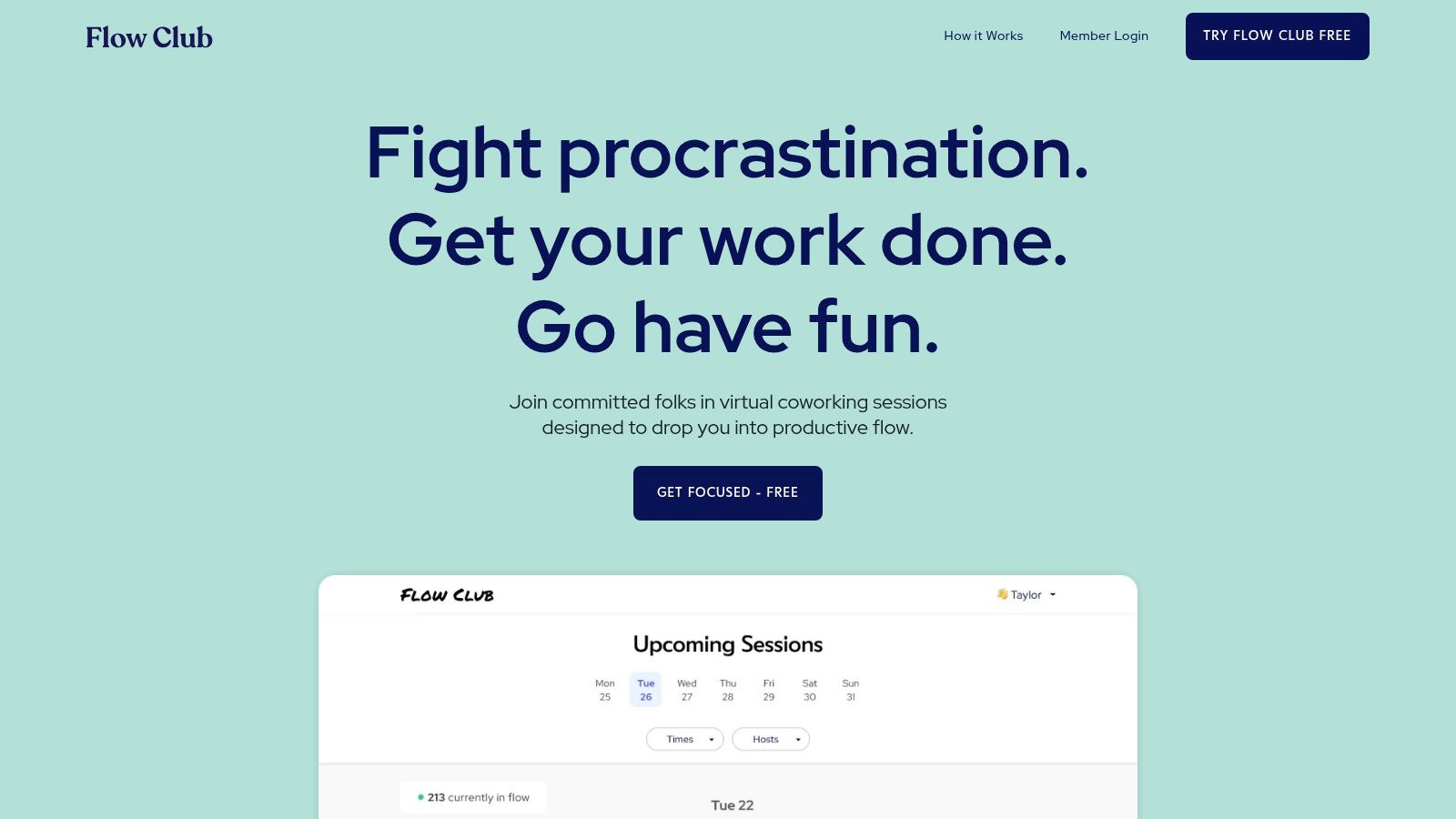
Choose Flow Club when a hosted room helps more than a matched partner. Its facilitated group sessions add a shared opening, quiet work, and a closing check-in around the work block.
Flow Club provides live coworking with hosts and other participants. Compared with Focusmate’s partner format, the main distinction is the facilitated group environment, not a more elaborate task manager.
Primary support is starting and finishing. The host supplies the session structure; you supply the task and decide what counts as done.
- Best fit: Solo founders who benefit from a predictable work atmosphere and a clear beginning and ending.
- Upkeep: Low software maintenance, but recurring commitment to sessions.
- Main trade-off: Group presence can feel supportive or distracting, depending on your preferences and the work.
A useful session goal is send the revised proposal, not work on sales. At the closing check-in, identify either the completed result or the exact next action, so unfinished work doesn’t disappear into a vague intention.
The host isn’t your personal coach. Don’t expect individual business advice, project rescue, or someone to manage your priorities.
Flow Club becomes another source of overwhelm if you book more sessions than your meeting-heavy calendar can accommodate. Choose it because you value facilitated coworking enough to attend, not because joining a productivity community feels briefly like completing your backlog.
8. Sunsama
Sunsama asks an inconveniently useful question: where will this work fit?
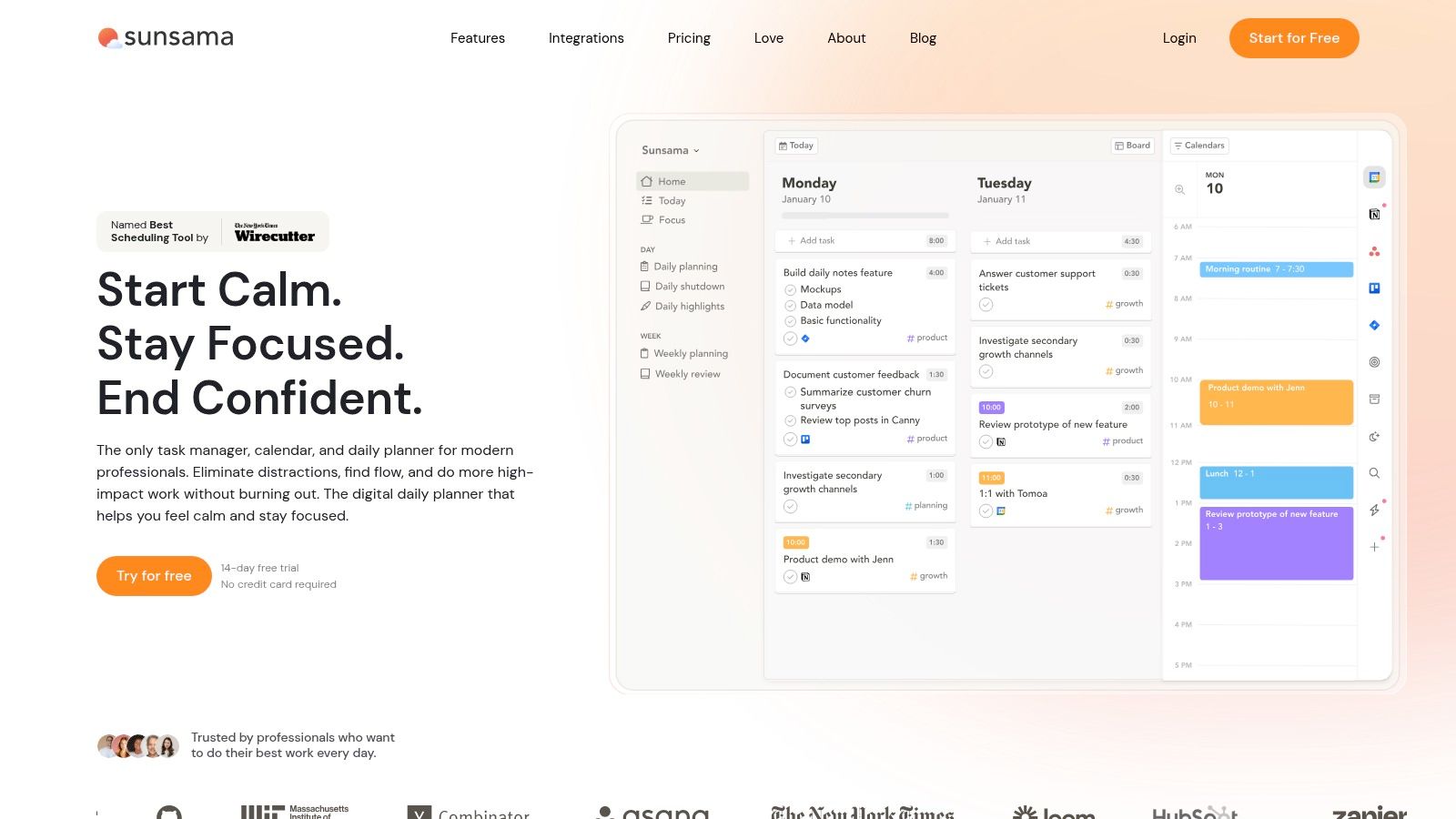
Sunsama combines guided daily planning, task estimates, timeboxing, calendar visibility, and an end-of-day review. Integrations with tools including Asana, Jira, Notion, Todoist, and Trello can bring scattered commitments into a daily plan.
Primary support is scheduling and finishing. It suits founders who don’t lack tasks but routinely overestimate how much uninterrupted time remains after meetings.
A planning ritual you must actually want
Upkeep is moderate and intentional. The planning ritual is part of the product’s value, so don’t choose it if you want to avoid reviewing your workload altogether.
For an agency owner, the useful sequence is to pull in candidate tasks, estimate the work, compare it with calendar capacity, then defer or delegate what doesn’t fit. A consolidated view is only helpful if you’re willing to say not today.
The Sunsama review offers another perspective on whether that guided workflow matches your preferences. There’s no free-forever plan, so an existing calendar-and-task setup may be enough if you already plan realistically.
The overwhelm risk is importing every possible commitment and treating all of it as today’s responsibility. Keep project tools as the broader record and make the daily plan selective.
Sunsama helps you inspect capacity. It doesn’t make an overloaded business model sustainable by arranging it more neatly.
9. Motion
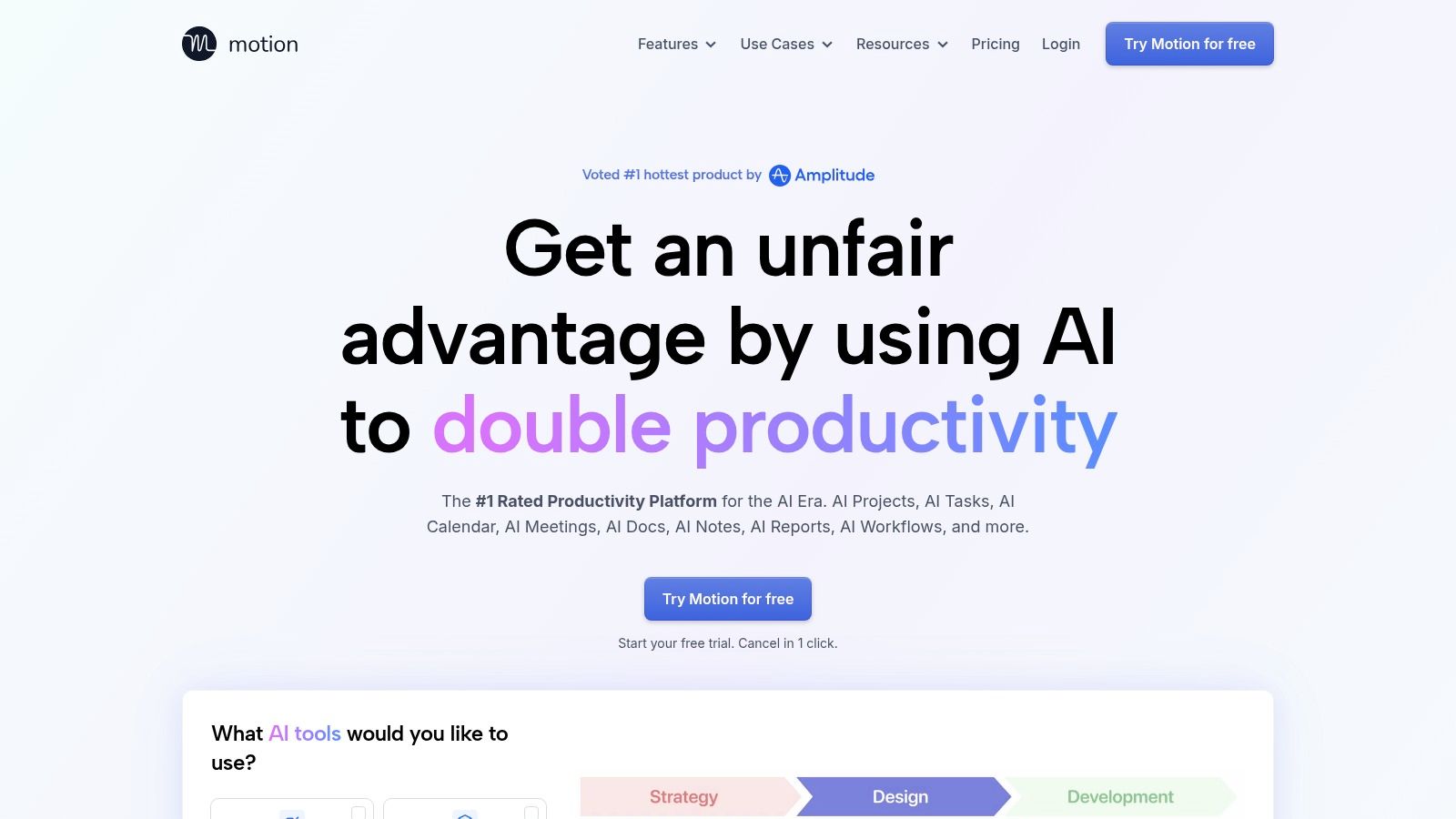
If manually moving calendar blocks is your least favorite recurring chore, Motion is worth considering. If software rearranging your day makes you want to seize back the controls, approach cautiously.
Motion uses deadlines, priorities, task durations, and available time to schedule and reschedule work. Its task and project management features also support shared planning for teams.
Primary support is scheduling. Unlike a guided planner, it takes on more of the placement work after you supply the inputs.
Automation boundary: Let software suggest where work fits. Keep responsibility for what matters, what’s realistic, and what shouldn’t be scheduled at all.
Upkeep is moderate, with more effort shifted into setup and input quality. You still need credible durations, current deadlines, and sensible working hours.
- What works: Reducing repetitive decisions about when already-defined tasks should happen.
- What doesn’t: Expecting automation to resolve unclear priorities or an impossible workload.
- Overwhelm signal: Checking every calendar adjustment because you don’t trust the plan.
Before connecting work accounts, review permissions, privacy terms, team visibility, and which information the system needs. Avoid adding sensitive client details merely because a task field accepts them.
Motion suits founders willing to delegate calendar placement while retaining strategic control. It’s a poor fit if constant rescheduling creates more uncertainty than the original scheduling decisions.
10. Todoist
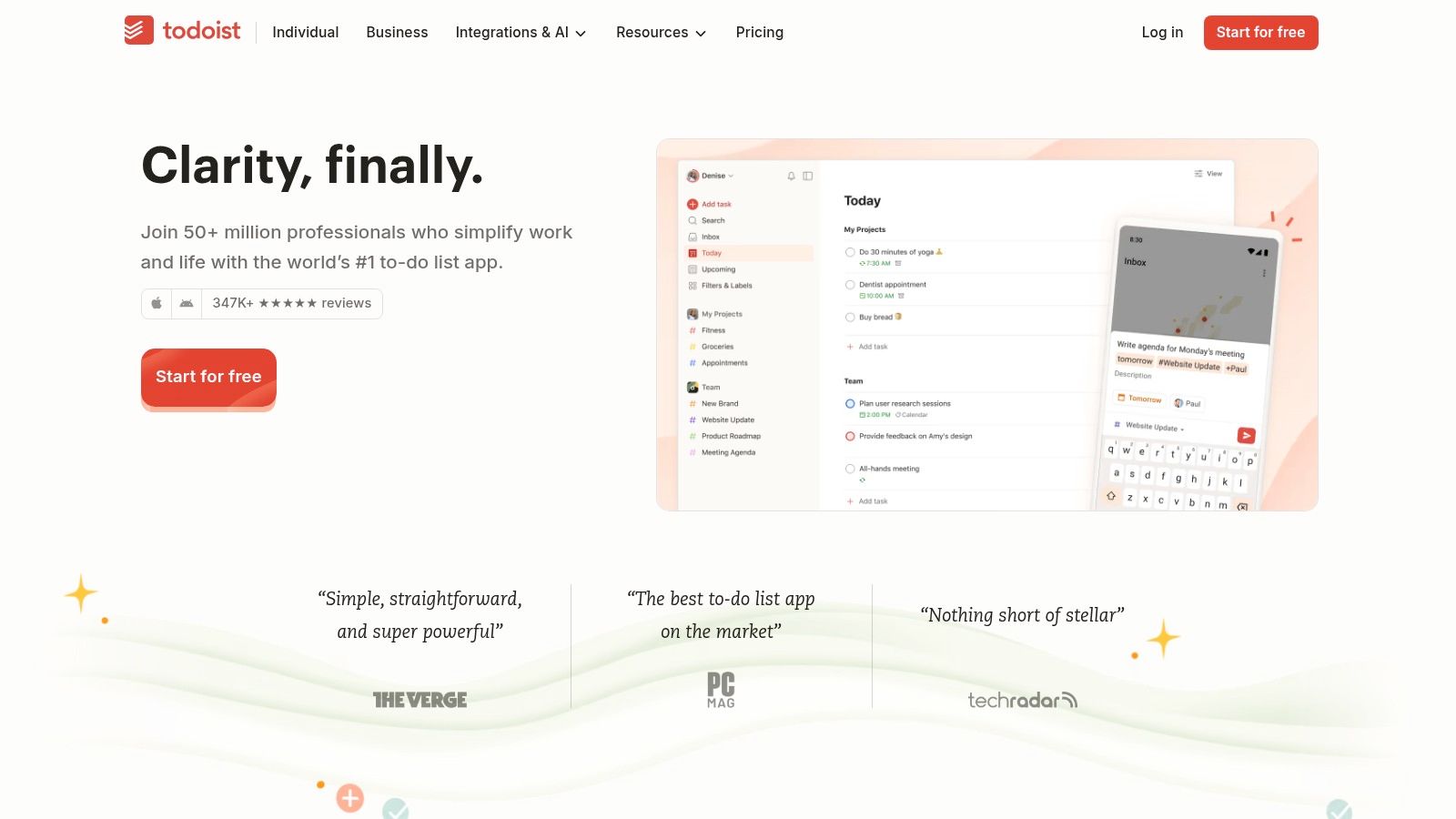
Boring can be a competitive advantage. Todoist doesn’t need to become your personal command center to be useful; it can be the reliable place where commitments stop depending on memory.
Todoist offers quick capture, recurring tasks, reminders, projects, filters, and list or board layouts. It’s a general-purpose task manager, with a free plan for testing the basic workflow and shared team capabilities through its business offering.
Primary support is remembering. It also supports finishing when you write tasks as clear actions rather than vague project names.
Keep the inbox easy to empty
Capture the thought first, then organize it during a review. Requiring yourself to choose a project, label, priority, and elaborate description before saving a task defeats the purpose of quick capture.
Upkeep is low with a simple setup and higher with elaborate filters and taxonomies. Separate genuine deadlines from preferred work dates so your overdue view doesn’t become a collection of broken promises to yourself.
Todoist won’t provide ADHD-specific coaching, body doubling, or a complete capacity-planning routine. Pair it with your calendar if you need to distinguish work you intend to do from time you’ve reserved.
Our ADHD management app guide explores that distinction between task storage and broader support. Choose Todoist when reliable capture is the missing piece, not when you expect a cleaner list to solve task initiation by itself.
How the 10 Tools Compare on Cost and Best Use
The free column matters less than it looks. The cost of any tool here is the upkeep it demands once the novelty wears off, so read this table through one lens: which executive function each tool replaces, and what it asks of you in return.
| Item | Best for | Free option | Paid model |
|---|---|---|---|
| Jan Kutschera (recommended) | ADHD founders who need engineered business systems and hands-on advisory | Free resources: Dopamine ROI Calculator, Wall of Awful, Survival Kit, Morning Blueprint, Weekly Build Filter, Execution Audit, quizzes and webinars | Paid Starter Kit / Brain Map with 30-day refund, advisory, application-only Founder Circle |
| Tiimo | Visual daily planning and routines | Core planning tools and focus timer | Pro subscription |
| Amazing Marvin | Customizable task management for ADHD challenges | Free trial | Subscription |
| Structured | Turning tasks into a visual daily timeline | Core planner | Pro subscription for extra features |
| Goblin Tools | Breaking overwhelming tasks into manageable steps | Core website tools | Optional Pro features |
| Focusmate | Accountability and getting started through virtual coworking | Free sessions | Membership for higher usage |
| Flow Club | Structured, facilitated group coworking | No free plan | Subscription membership |
| Sunsama | Planning a realistic workday around calendar commitments | Free trial | Subscription; no free-forever plan |
| Motion | Automatically scheduling tasks for individuals or small teams | Free trial | Paid individual and team plans |
| Todoist | Flexible task lists for personal and team projects | Free plan | Paid plans for personal use and business teams |
Notice which executive function each paid tier sells. Focusmate and Flow Club charge for starting, while Todoist, Structured, and Tiimo give away remembering and charge for capacity. And a planner that needs daily configuration before it works costs more than its subscription, whatever the price tag says.
Pick One Tool, Then Build the Habit Around It
Choose a planner and a support tool, not an entire replacement personality. Tiimo, Structured, Amazing Marvin, Sunsama, Motion, or Todoist can hold the plan; Goblin Tools, Focusmate, or Flow Club can help with a particular execution bottleneck.
I recommend using that small combination for two weeks before adding anything else. Treat this as a practical trial, not a scientifically validated cutoff or a deadline by which you’re supposed to have formed a habit.
The maintenance question deserves priority. An ACM study of adults with ADHD identified cognitive load and task-entry friction as breakdown points when people managed multiple tools.
Measure less friction, not more activity
During your trial, pay attention to concrete changes:
- Remembering: Can you capture a commitment without interrupting yourself to organize it?
- Starting: Do you reach a clear next action, or keep opening the planner instead of the work?
- Scheduling: Does the plan respect meetings, transitions, and available capacity?
- Finishing: Are deliverables and team handoffs clearer?
- Recovery: Can you return after a missed day without rebuilding the system?
Keep notification settings restrained. Reserve prompts for events or commitments that need interruption, and remove duplicates from connected tools.
Also test the handoff. If you delegate a client revision, name the owner, deliverable, deadline, and place where completion gets reported; your private task list shouldn’t be the only record that the work exists.
A useful system should help you restart without first requiring an apology to your dashboard.
These tools aren’t medical treatment. A self-assessment, Brain Map, quiz result, or tool score isn’t a clinical diagnosis, and app recommendations shouldn’t replace appropriate clinical support.
Review AI-generated plans, estimates, and steps before relying on them. Reject irrelevant actions, check dependencies, and avoid treating a confident estimate as a promise you can safely make to a client.
If the setup needs constant tending, simplify it before blaming yourself. Keep a capture point, a visible next action, a realistic place for the work, and a clear definition of finished.
The aim isn’t to become exceptionally good at maintaining productivity software. It’s to run the business with fewer forgotten commitments, cleaner handoffs, and less dependence on a last-minute emergency to get moving.
Jan Kutschera offers free resources, the Starter Kit / Brain Map, and hands-on advisory to help founders build ADHD-compatible operating systems around planning, motivation, and delegation. Visit Jan Kutschera to explore support for making your tools part of a workable business system, rather than another collection of apps to maintain.
Jan Kutschera
German founder, diagnosed with ADHD at 51. Built 4 agencies, now building systems for neurodivergent entrepreneurs. German engineering for the ADHD brain.
Connect on LinkedInRelated Articles
Hold Me Accountable: A Practical ADHD Founder Guide
Hold me accountable without surveillance or shame: a step-by-step ADHD founder playbook for partners, cadences, reminders and reliable follow-through.

Best ADHD Planner App for Founders: 10 Ranked Picks
Searching for the best ADHD planner app? We rank 10 founder-tested options on executive-function support, delegation, sync, privacy and pricing.
ADHD Project Management: Systems That Work with Your Brain
ADHD project management that works with your brain, not against it: external structure, visible tasks, smarter delegation and follow-through that lasts.