
Best ADHD Planner App for Founders: 10 Ranked Picks
Searching for the best ADHD planner app? We rank 10 founder-tested options on executive-function support, delegation, sync, privacy and pricing.
Jan Kutschera
Your brain is not the problem your next planner subscription is going to fix. Your planner might be part of the problem, especially if keeping it updated requires the executive functions you wanted help with.
Most ADHD planner lists reward attractive timelines and satisfying checkmarks. Founders need something less photogenic: a system that still works when a client escalates, meetings multiply, and yesterday’s priorities become irrelevant before lunch. A beautiful personal schedule won’t rescue a handoff nobody owns.
ADHD is not a superpower and not a curse. Think of it as a different operating system that needs deliberate maintenance, not another motivational wallpaper. That means managing the mental burden of leadership, rather than dressing that burden in nicer colors.
This ranking judges apps on executive-function support, dopamine design, delegation and team features, cross-platform sync, and privacy. Privacy is a buying check, not an invented security leaderboard: connecting more accounts deserves closer scrutiny, and no app gets a clinical endorsement here.
That distinction matters. A systematic review of ADHD apps identified 355 ADHD-related apps, but found none provided convincing evidence of efficacy or effectiveness within its review.
Sunsama is the best ADHD planner app for founders who need deliberate daily limits. Akiflow wins for scattered work, Motion for scheduling automation, and Todoist for straightforward handoffs. Choose by your failure point, not by whichever interface makes you briefly feel like a different person.
Table of Contents
- 1. Sunsama
- 2. Akiflow
- 3. Tiimo
- 4. Motion
- 5. Amazing Marvin
- 6. Todoist
- 7. TickTick
- 8. Structured
- 9. Goblin Tools
- 10. Llama Life
- How the ten planner apps compare on free access, team features and best-fit use
- Pick One App, Run It for Two Weeks, Then Decide
1. Sunsama
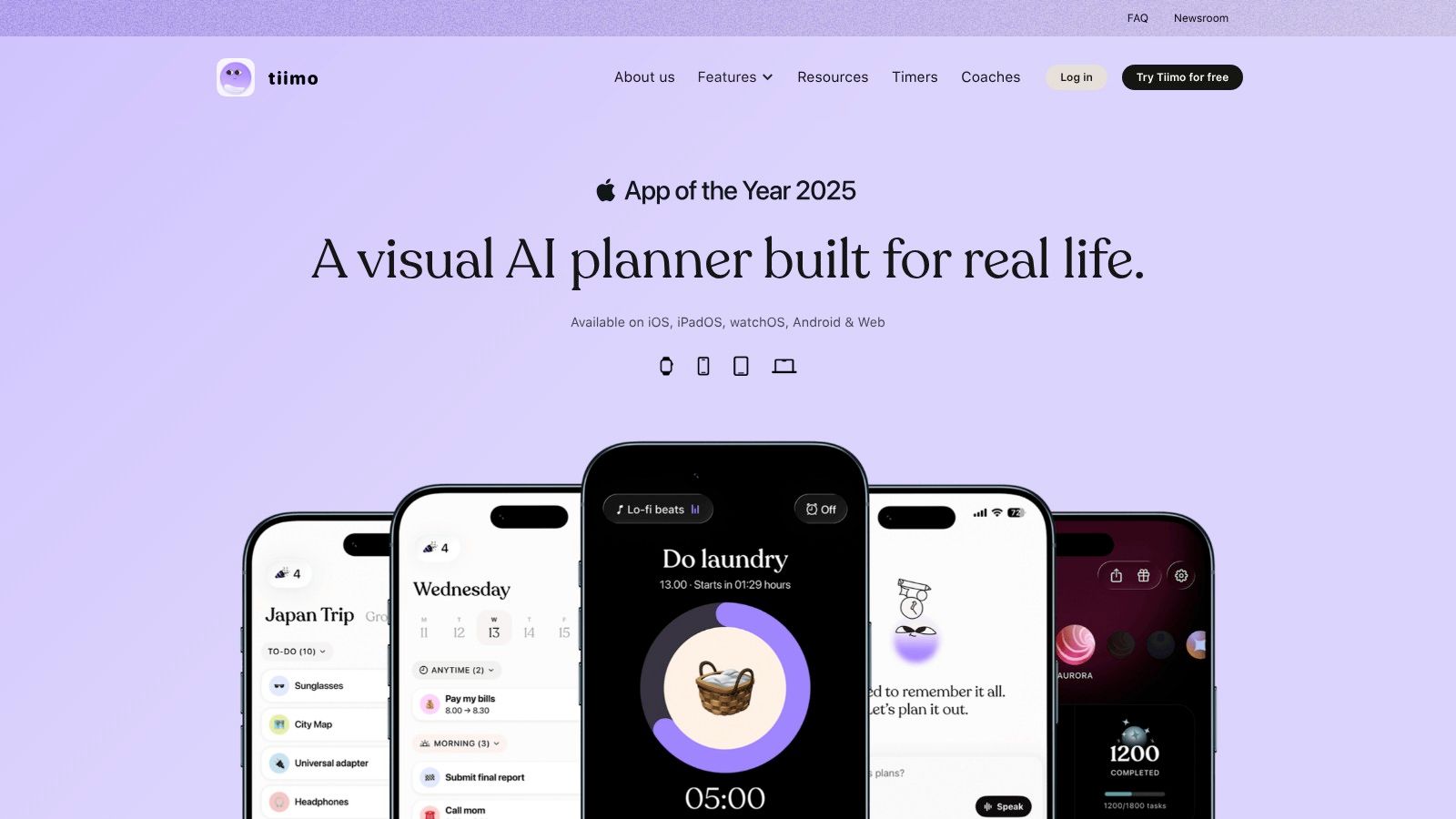
Best for founders who keep committing to more work than their calendar can hold.
Sunsama combines guided daily planning, shutdown rituals, timeboxing, and a side-by-side view of tasks and calendar commitments. Its integrations bring work from services including Gmail, Outlook, Notion, Todoist, Slack, and project-management apps into a planning view.
The attraction isn’t automation. It’s the deliberate pause between someone requesting something and you deciding it belongs in today’s workload.
Say an agency founder has client calls, a proposal, and campaign feedback waiting. Sunsama gives that founder a place to reconcile those commitments instead of treating the task list as a bottomless shopping basket.
Where it holds up, and where it doesn’t
- Executive-function support: Planning and shutdown rituals provide a repeatable sequence instead of an empty page.
- Crisis-week recovery: Tasks and appointments are visible together, but you still decide what moves or gets dropped.
- Team handoffs: Keep ownership in your shared project tool. Use Sunsama to plan your contribution, not to create a private duplicate of the company backlog.
Its weakness is also its philosophy: you must participate in planning. If choosing priorities is where you freeze, a guided ritual may still feel like another meeting with yourself.
For sustainable motivation, finishing a realistic plan is a better target than filling the screen with commitments. For privacy, connect only accounts that contribute useful work, especially when client correspondence is involved.
Recommendation: Choose Sunsama if your main problem is overcommitment and you’ll protect a daily planning ritual. Skip it if you want software to make scheduling decisions automatically.
2. Akiflow

A task arrives in Slack. Another sits in email. The important follow-up exists exclusively in your head, which is an adventurous storage policy.
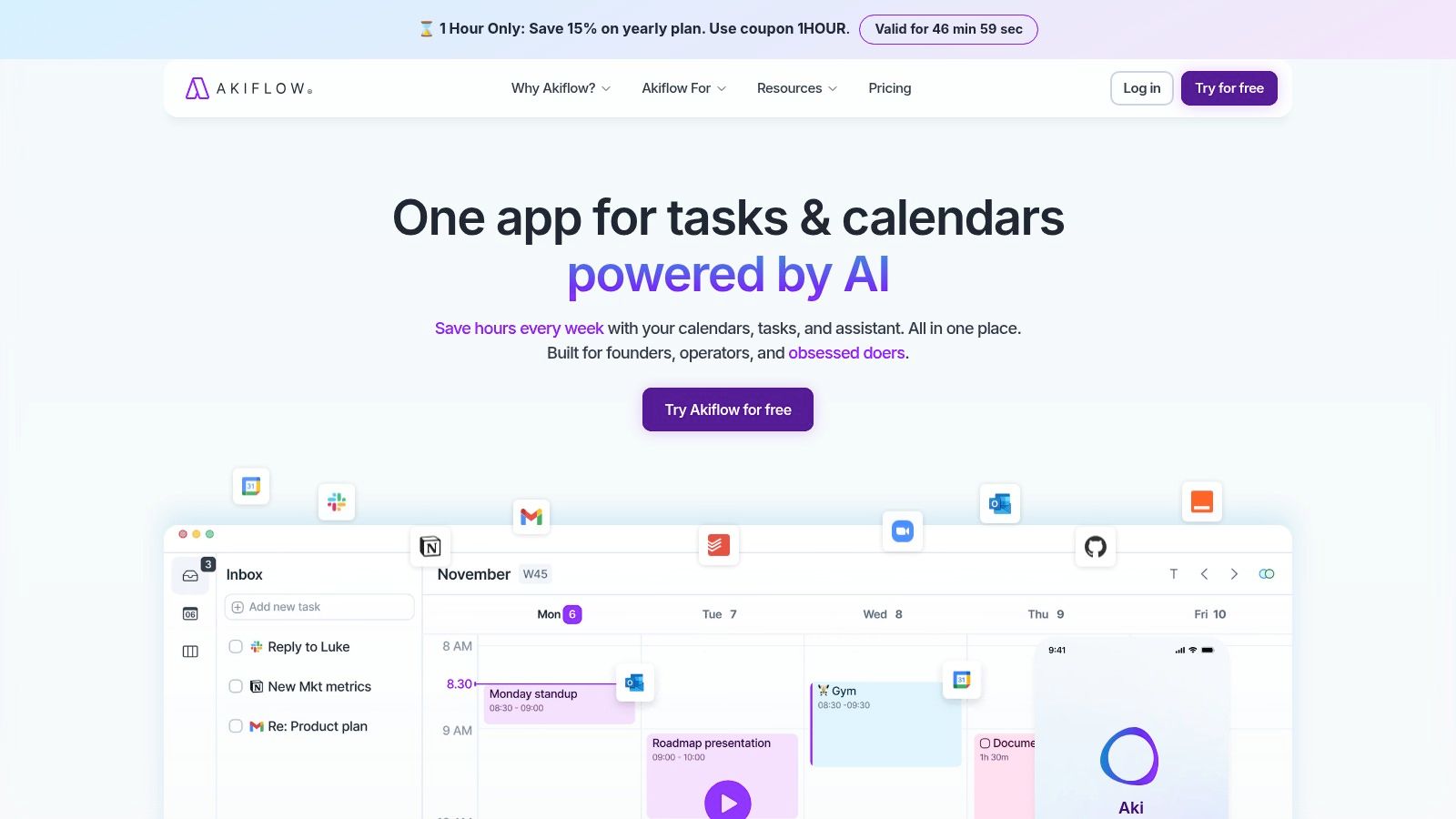
Akiflow is the pick for founders whose work is scattered across tools. Akiflow provides a universal task inbox, quick capture, subtasks, calendar time-blocking, keyboard shortcuts, and integrations, alongside Google and Outlook calendar sync and its Aki AI assistant.
Unlike a planner that rearranges your day automatically, its central appeal is consolidation with control. You gather the work, then decide where it belongs.
Consolidate the work without duplicating ownership
The key distinction is between seeing a task and becoming responsible for it. If your operations lead owns a launch checklist elsewhere, pulling related work into your planner shouldn’t quietly turn you into the launch coordinator.
Use connected tasks to organize your actions. Leave the shared project system responsible for owners, status, and team discussion.
Practical rule: Before trusting an integration, move a task, complete it, and change its deadline. Confirm what updates in the original tool.
Akiflow’s failure mode is integration maintenance. A universal inbox can become a universal pile if you import every notification and never decide what deserves action.
The satisfaction should come from capturing and scheduling real work, not endlessly processing the inbox. Privacy deserves the same restraint: fewer necessary connections beat indiscriminate account access.
Recommendation: Choose Akiflow when cross-tool fragmentation is your primary problem and you want manual control over calendar blocks. Don’t buy it merely to make an already manageable task list look more polished.
3. Tiimo
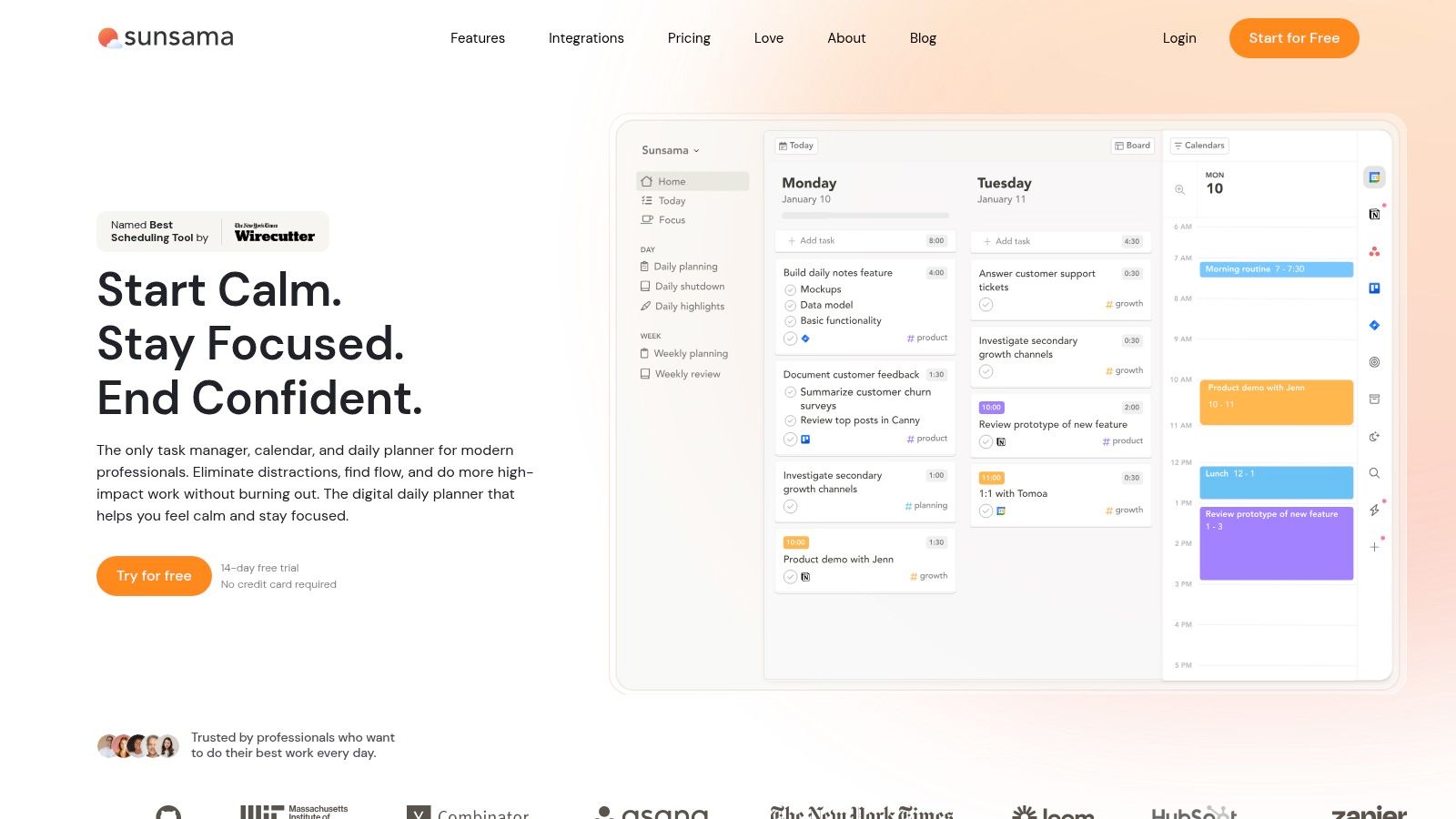
Tiimo is for the founder who needs to see the day, not read another wall of tasks.
Tiimo offers a visual daily timeline, to-do lists, focus timers, routine support, and AI tools for breaking work into steps and scheduling it. It supports mobile devices and the web, with web planning requiring Pro.
The useful distinction is personal structure versus company coordination. Tiimo belongs on the personal side of that boundary.
A founder might use it to make the sequence from breakfast to school drop-off to proposal work visible. The company’s delivery dependencies should remain in a shared project system, where colleagues can act without asking to inspect the founder’s personal routine.
Make transitions explicit
Use concrete activities rather than ambitious labels. “Prepare board meeting” is vague; “open last meeting’s notes and list unresolved decisions” gives you a starting point.
Our guide to the best ADHD planners for adults explores a complementary hybrid approach: retain a digital home for commitments while keeping daily priorities physically visible.
- Where it helps: Visual sequencing, routines, and making the next activity easier to identify.
- Where it fails: Complex delegation, shared project accountability, and company-wide delivery tracking.
- What to test: Whether your actual devices support the workflow you need, rather than assuming every platform behaves identically.
Keep motivation tied to useful transitions, not perfect adherence to a colorful schedule. Avoid putting confidential client material into AI task prompts unless you’ve reviewed the relevant terms.
Recommendation: Choose Tiimo when daily structure is the missing layer. Don’t ask it to become your agency’s operating headquarters.
4. Motion
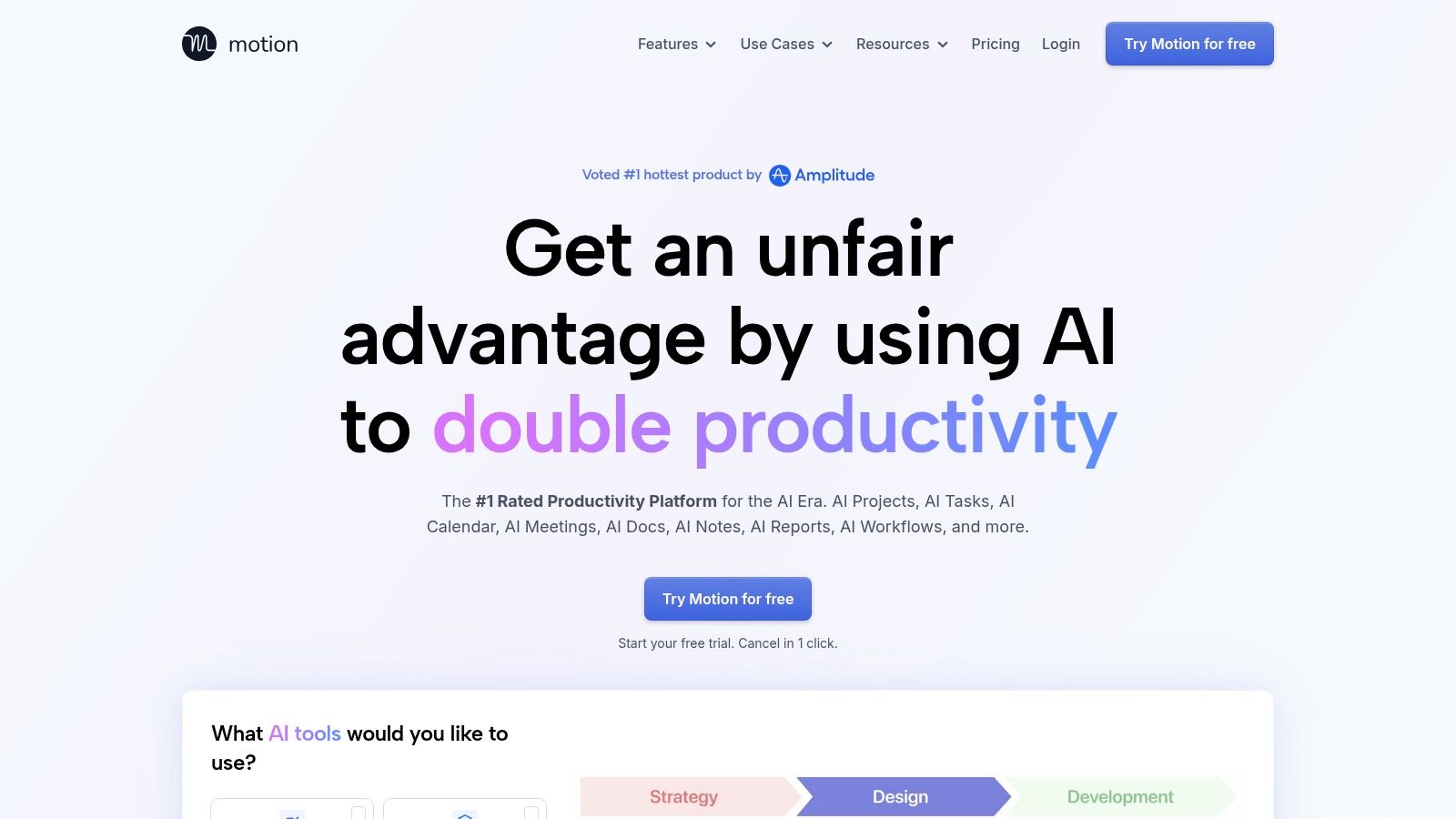
Your meetings move. Your tasks don’t disappear. Motion is the strongest fit here when repeatedly rebuilding the calendar is the work you want to delegate.
Motion combines AI scheduling, calendars, tasks, and projects, with team-oriented features available on higher tiers. Its scheduler places tasks into available time, making it relevant to founders whose focus blocks regularly collide with meeting changes.
That convenience comes with a condition: the inputs need to reflect reality. A task with an optimistic duration and an arbitrary deadline remains badly specified, however neatly software schedules it.
Delegate scheduling, not judgment
Use Motion to answer when could this happen? Keep responsibility for should this happen?
A founder handling sales calls and product decisions can benefit from automatic placement of preparation and follow-up work. But available calendar space isn’t proof of available concentration, and the proposed schedule still needs review.
Our comparison of time-management apps for ADHD helps distinguish scheduling support from tools focused on timers, capture, or routines.
- Team advantage: Project and capacity features can bring scheduling closer to shared delivery work.
- Control trade-off: Automatic placement gives you less direct control than manual time-blocking.
- Privacy check: Review calendar permissions, team visibility, and AI-processing terms before connecting sensitive work accounts.
The motivational benefit is fewer repeated scheduling decisions. The risk is accepting a packed calendar as a command rather than a proposal.
Recommendation: Choose Motion if meeting volatility makes manual replanning unsustainable. Skip it if unexpected changes to task placement make you distrust your own calendar.
5. Amazing Marvin
Amazing Marvin is the workshop, not the ready-made appliance. That’s excellent if you know what you need. It’s dangerous if configuring productivity software is your preferred escape from doing productive work.
Amazing Marvin lets users enable or disable planning strategies and customize workflows, with access across web, desktop, and mobile apps under its subscription. Its appeal is adaptability rather than a prescribed daily method.
For a founder who already knows that a particular task-selection strategy works, this flexibility can be useful. For someone who wants the app to supply a settled process, the choices themselves can become the obstacle.
Configure around a specific failure
Start with a sentence such as “I lose momentum because my next action is unclear.” Build around that problem and leave unrelated options alone.
Don’t start with “I wonder what every setting does.” That’s how an overdue proposal acquires a beautifully engineered postponement system.
- Executive-function fit: Strong when customization removes a known source of friction.
- Crisis-week weakness: A heavily customized workflow may be harder to resume when you’ve stopped maintaining it.
- Delegation boundary: Use it as your personal planning layer rather than assuming customization provides shared team accountability.
A human-in-the-loop framework for ADHD productivity support explicitly calls for stronger long-term testing of engagement, behavioral outcomes, and emotional safety. Treat an elaborate configuration as an experiment, not proof that you’ve solved productivity.
Test cross-device access before committing your workflow, and keep sensitive business details out of unnecessary personal planning fields.
Recommendation: Choose Amazing Marvin if you can name the strategies you want to implement. Avoid it if novelty and configuration are already competing with execution.
6. Todoist
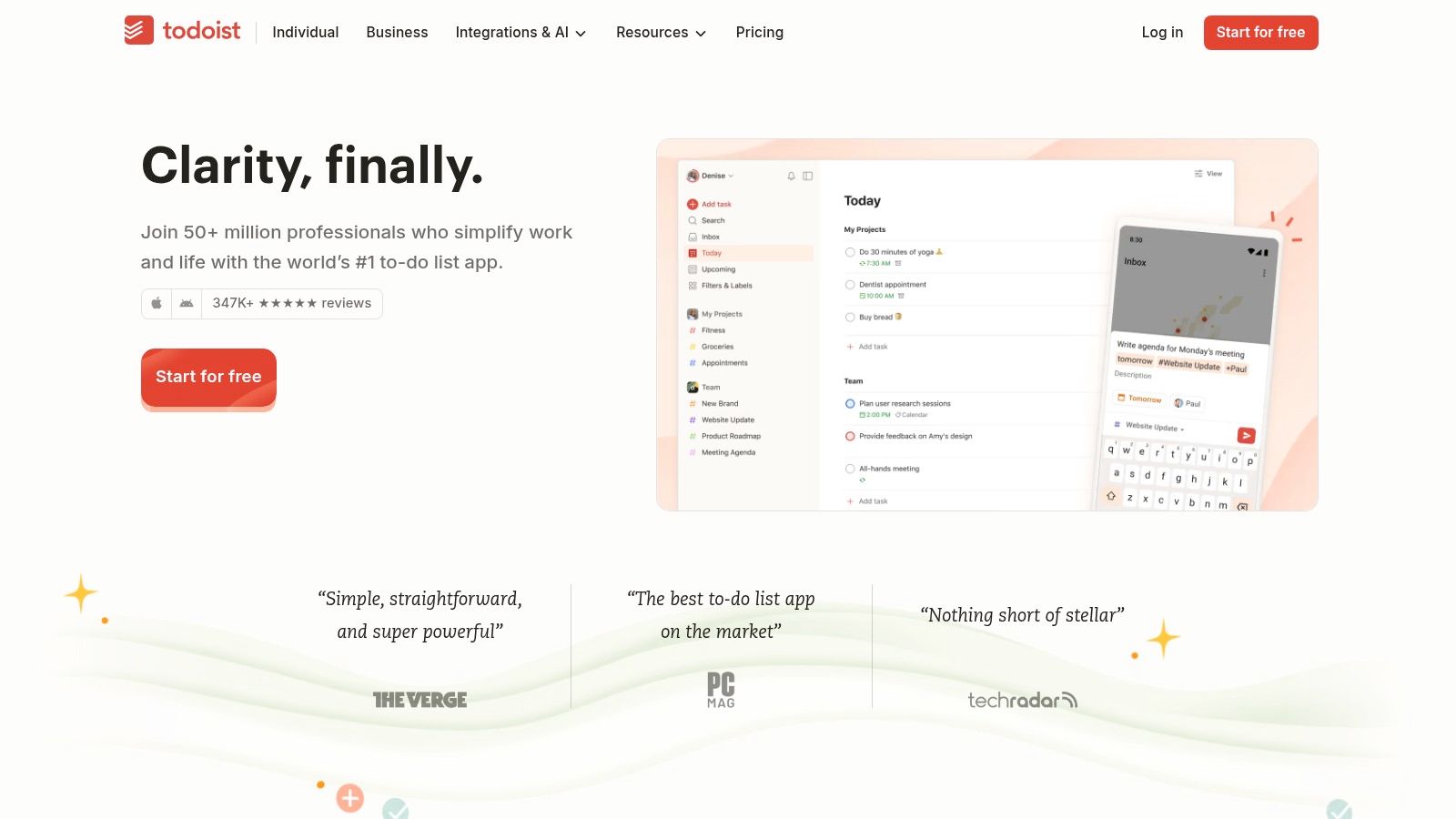
For straightforward founder-to-team handoffs, move Todoist up your personal shortlist.
Todoist provides Quick Add, projects, priorities, labels, subtasks, recurring tasks, and reminders, with shared workspaces and team projects on Business. Its free Beginner plan offers an entry point, while calendar layout and task-duration features require Pro.
It isn’t an ADHD-specific planner. That can be an advantage when you need colleagues to participate in a clear task workflow rather than adopt your personal approach to attention management.
Say you need an account manager to prepare a renewal brief. Put the deliverable in the shared project, assign ownership, and define what finished means. Don’t bury the handoff inside your private list labeled “things to sort.”
A dependable list still needs decisions
Todoist’s limitation is the gap between captured and scheduled. A tidy inventory of obligations doesn’t tell you what fits between appointments.
Use recurring tasks for review routines and keep the working list distinct from the backlog. Otherwise, you can collect commitments faster than you resolve them.
A delegated task isn’t delegated if you’re still the only person who knows what happens next.
For motivation, count completed commitments that matter, not merely checked boxes. Closing easy tasks while avoiding a difficult decision is still avoidance, just with better bookkeeping.
For privacy, separate personal projects from shared work and verify access before adding commercial or personnel information. Test capture and updates on the devices you carry.
Recommendation: Choose Todoist when fast capture and clear shared ownership matter more than a routine-first visual interface. Add daily planning discipline instead of expecting the list to supply it.
7. TickTick
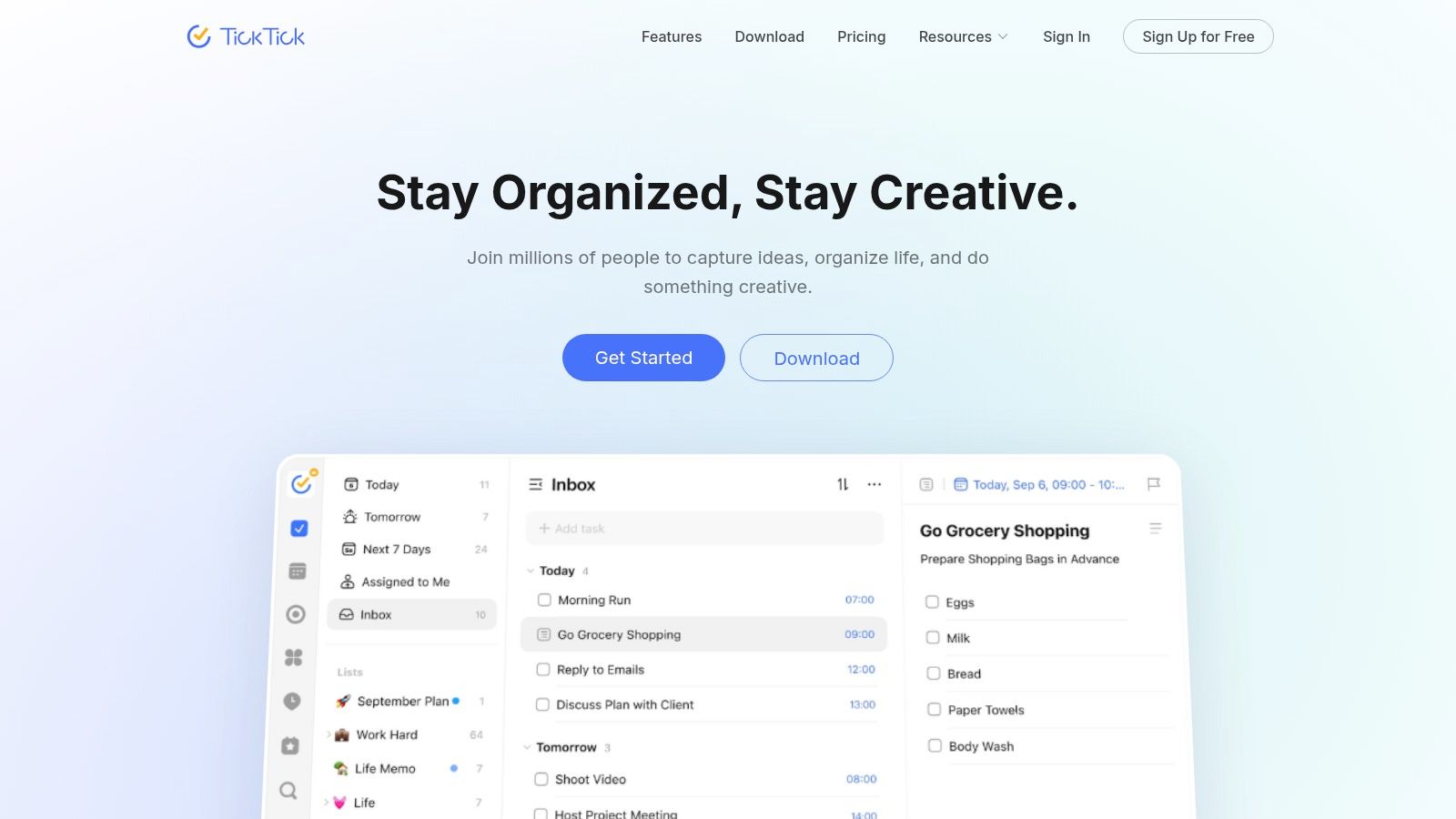
The case for TickTick is consolidation without building an entire productivity infrastructure.
TickTick combines tasks, reminders, recurring work, habits, a Pomodoro timer, cross-platform sync, and shared lists. Premium adds calendar capabilities and task duration, while a free version provides a starting point.
Choose it when switching between a task app, timer, and habit tracker is creating avoidable friction. Don’t choose it because having more features feels like getting more organized.
A solo consultant could capture follow-ups, run a focused proposal session, and maintain a shutdown routine in the same environment. That’s a coherent use case, provided each feature earns its place.
Keep the useful parts and ignore the rest
The danger is visual and procedural clutter. If maintaining habit records becomes another obligation, stop tracking the habits that aren’t helping you make decisions.
- Personal planning: A practical combination of capture, reminders, timing, and routines.
- Team handoffs: Shared lists can support straightforward collaboration, but don’t assume that replaces complex project coordination.
- Crisis-week recovery: Retain an easy path back to current tasks instead of demanding that you repair every missed habit entry.
Its dopamine design deserves deliberate handling. A timer can support getting started; a collection of streaks can become a separate performance you feel obliged to maintain.
Cross-platform sync is useful only if changes reliably appear where you need them. Test that workflow, and inspect list-sharing permissions before mixing private routines with business responsibilities.
Recommendation: Choose TickTick for a consolidated personal toolkit. Choose a more constrained visual planner if a feature-rich workspace makes it harder to identify what to do next.
8. Structured
Structured is for founders who need a legible day, not another management dashboard.
Structured places tasks and calendar events on a visual daily timeline. Pro includes features such as calendar import, recurring tasks, custom notifications, and colors, while Replan is available on iOS Pro; feature availability varies by platform.
That timeline is useful when the problem is sequencing. You can inspect the space between commitments instead of reading a list that makes a brief reply and a demanding strategy session look equally small.
The failure is equally clear: Structured isn’t the place to manage complex team delivery. A timeline showing your launch preparation doesn’t tell colleagues who owns approvals or what blocks publication.
Test the day after it breaks
Don’t evaluate Structured only on a quiet morning. Move an appointment, leave a task unfinished, and assess how easily you can make the remaining day understandable.
Our guide to the best planner apps for iPhone provides additional context for comparing device-specific planning workflows.
- Where it helps: Seeing transitions, open time, and the order of personal commitments.
- Where it falls short: Delegation, dependencies, and shared project accountability.
- Before subscribing: Confirm the required features on your actual platform rather than assuming parity.
Use colors to distinguish meaningful categories, not to create a decoration project. The reward should be recognizing the next feasible action without studying the screen.
For privacy, import only the calendars you need and consider whether sensitive event titles belong in your personal planning view.
Recommendation: Choose Structured when simplicity and visual sequencing outrank automation and collaboration. Keep company ownership elsewhere.
9. Goblin Tools

“Prepare the investor update” isn’t always a usable task. Sometimes it’s a collection of decisions wearing a short label.
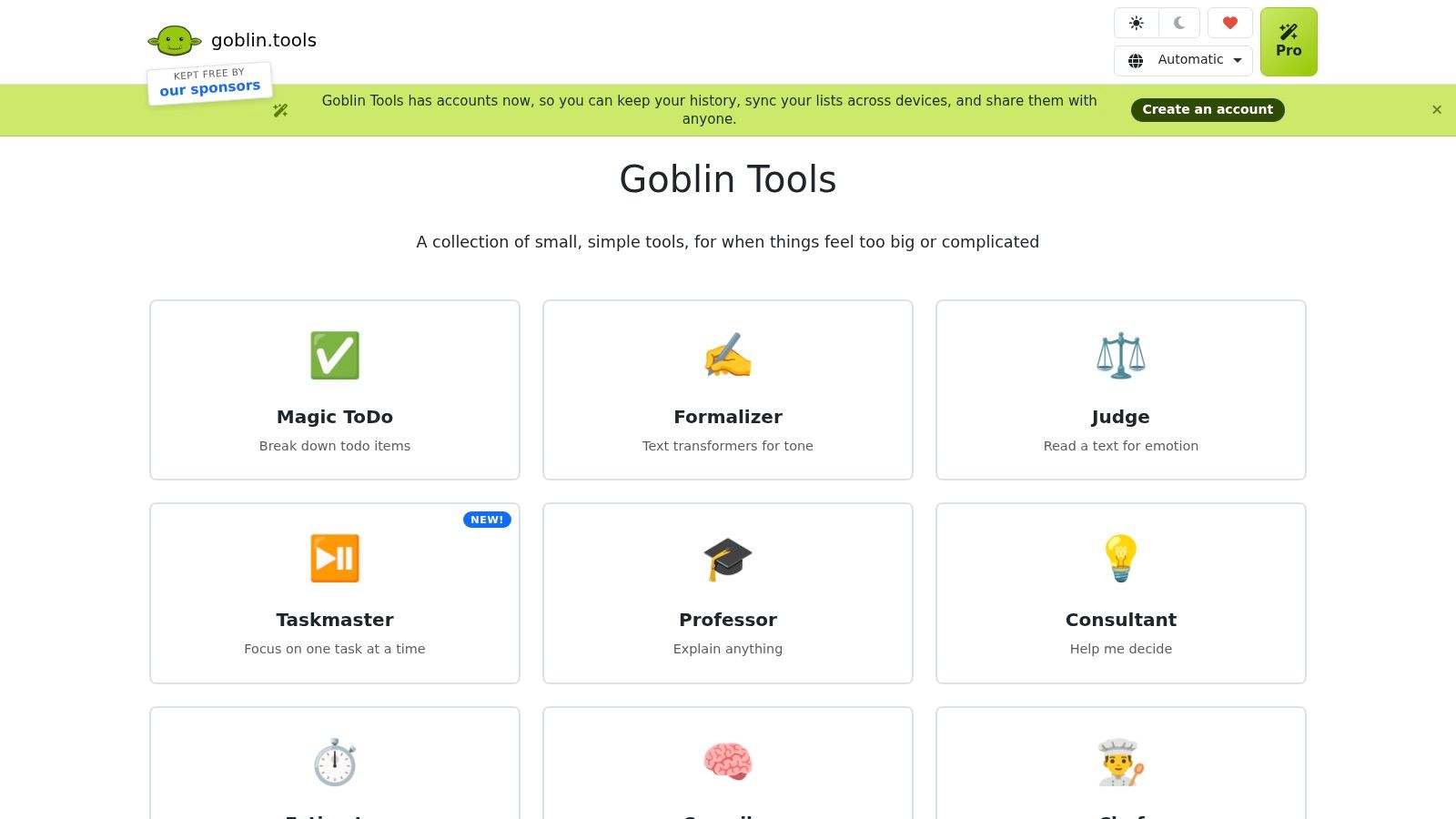
Goblin Tools is the best supporting tool here for turning vague work into possible next actions. Goblin Tools includes Magic ToDo for task breakdown, a spiciness setting that adjusts the attempted detail, an estimator, and exports to services including Todoist, Asana, Notion, and TickTick.
Use it alongside a planner, not instead of one. Magic ToDo items don’t include due dates, and suggested steps still need human review.
Break down the task, then restore accountability
For an investor update, useful actions might include opening the previous update, gathering current metrics, and listing decisions that need investor input. Delete irrelevant suggestions before exporting anything.
AI can generate plausible work that doesn’t belong in your process. More subtasks aren’t automatically more clarity.
- Initiation support: Turn an intimidating label into something you can physically begin.
- Handoff discipline: Export approved actions, then add an owner, deadline, and definition of done in the destination tool.
- Privacy boundary: Replace client names, financial details, and confidential context with generic descriptions before using AI assistance.
The free web tools make it accessible as a supporting utility. Exporting tasks, however, isn’t the same as maintaining a synchronized shared workflow; don’t assume changes will propagate between systems.
Its motivational value is a smaller starting point, not a longer list. Stop breaking work down once the next action is clear enough to attempt.
Recommendation: Choose Goblin Tools when ambiguity prevents initiation. Keep your calendar and team system responsible for commitments, timing, and delivery.
10. Llama Life
Sometimes the plan is fine. You know what matters, you’ve protected the time, and you’re still rearranging browser tabs instead of starting.
Llama Life belongs on the shortlist when execution, rather than planning, is the bottleneck. Llama Life positions itself around ADHD productivity and working through tasks individually, with a narrower focus than a broad project-management workspace.
That scope is the attraction. You don’t necessarily need another place to store every ambition. You may need a manageable view of the work directly in front of you.
Use it at the point of execution
Keep future obligations in your existing calendar or project tool. Bring clearly defined work into your execution session, and return meaningful status changes to the shared system afterward.
Don’t assume device support, subscription terms, or cross-tool synchronization fit your setup. Confirm those details before making it a required part of your working day.
Boundary to keep: A focus tool can help you work through an action. It can’t resolve an unclear brief or decide which client promise to renegotiate.
Llama Life isn’t the recommendation for complex delegation or project tracking. It also won’t fix a workload that exceeds your capacity, however approachable the immediate task feels.
For motivation, judge whether you start important work with less resistance. For privacy, use concise task descriptions and leave sensitive source material in its appropriate business system.
Recommendation: Choose Llama Life as an execution companion when long lists overwhelm you. If your central problem is missed commitments across a team, fix ownership and shared visibility before adding a focus tool.
How the ten planner apps compare on free access, team features and best-fit use
| Item | Free option | Team features | Best for |
|---|---|---|---|
| Sunsama | No permanent free plan; 14-day trial | Integrates with work tools; no specific team features listed | Guided daily planning and time-blocking |
| Akiflow | No free plan; 7-day trial requires a card | Connects tasks from multiple tools; team features not specified | Consolidating work and planning it manually |
| Tiimo | Free mobile version; web planner requires Pro | Not designed for complex company projects | Visual routines and daily structure |
| Motion | Free trial; no permanent free plan listed | Project and capacity planning on higher tiers | Automatically scheduling tasks around changing meetings |
| Amazing Marvin | No free plan after 14-day trial | Team features not specified | Highly customizable personal workflows |
| Todoist | Free Beginner plan | Business offers shared workspaces and team projects | Straightforward task management and team handoffs |
| TickTick | Free version available | Shared task lists; broader team features not specified | Combining personal tasks, habits, and focus tools |
| Structured | Free version includes most features | Not designed for complex team projects | Seeing tasks and events on a visual daily timeline |
| Goblin Tools | Free web tools available | No specific team features; tasks can be exported to other tools | Breaking intimidating tasks into smaller steps |
| Llama Life | Free option and trial details not verified | Not suited to team delegation or complex projects | Focusing on one task at a time and getting started |
Pick One App, Run It for Two Weeks, Then Decide
Choose the app that addresses your main failure point, not the app with the longest feature page. Start with Sunsama for overcommitment, Akiflow for fragmented capture, Motion for scheduling churn, or Todoist for shared ownership. Choose Tiimo or Structured for daily sequencing, and Goblin Tools or Llama Life when starting is the biggest obstacle.
Run a two-week trial as a buying decision, not as a clinical test. Build a morning routine around checking commitments, selecting feasible work, and identifying what someone else should own. Keep the rest of your system stable so you can tell whether the app helps.
Measure relief, not enthusiasm
A systematic review of digital ADHD interventions found potential benefits but concluded that overall effectiveness remained inconclusive, with low or critically low evidence quality. A polished planner shouldn’t be mistaken for treatment or a guaranteed outcome.
Judge practical changes instead:
- Completion: Are important commitments getting finished?
- Recovery: Can you restart after an overloaded day without rebuilding everything?
- Maintenance: Does planning require less attention than the confusion it replaces?
- Delegation: Can colleagues proceed without asking you to reconstruct the task?
Don’t judge the app solely during an unusually tidy week. Use it when appointments move, urgent requests arrive, and you’re tired enough to resent another notification.
Keep an exit strategy
If the planner stops working, reduce the system before replacing it. Return to your calendar, a current-priority list, and a shared handoff list; archive stale commitments rather than repeatedly rolling them forward.
Research on time-management support for adults with ADHD raises an important design tension: smartphone applications aren’t always the right medium. A visible paper cue or human accountability check can be more useful than another notification.
For a complementary emphasis on execution, consider the implementation insights from Your Success Shift. The practical distinction remains simple: maintaining a plan isn’t the same as completing the work.
Once your daily loop holds, move work outside your genius zone into a shared list and assign it. The planner should do the remembering, not substitute for decisions.
Our Method connects this approach through Cognitive Architecture, Dopamine Engineering, Strategic Delegation, and Bio-Optimization. External structures, sustainable rewards, complementary ownership, and attention to sleep, nutrition, and movement belong together.
Our ADHD Founder Starter Kit includes Brain Mapping, a personal report or blueprint, training, and the associated toolkit. A Brain Map isn’t a clinical assessment; take diagnostic questions to a qualified professional.
Jan Kutschera helps founders with ADHD build operating systems that replace burnout-driven hustle with clearer structure and delegation. Visit Jan Kutschera to explore the ADHD Founder Starter Kit and map where your workflow needs external support before you commit to another planner.
Jan Kutschera
German founder, diagnosed with ADHD at 51. Built 4 agencies, now building systems for neurodivergent entrepreneurs. German engineering for the ADHD brain.
Connect on LinkedInRelated Articles
ADHD Project Management: Systems That Work with Your Brain
ADHD project management that works with your brain, not against it: external structure, visible tasks, smarter delegation and follow-through that lasts.

Accountability Partner App: 10 Picks for ADHD Founders
Compare 10 accountability partner apps for ADHD founders: how each works, setup workflows, privacy and pricing trade-offs, and which fits your needs.

Your ADHD Management App: A Founder's Integration Guide
Stop downloading and deleting. Learn to integrate an ADHD management app into an engineered operating system built for founders. Actionable steps inside.