Time Blindness Tools: 10 That Actually Work
Ten time blindness tools that make hours visible, tasks trackable, and transitions easier — with honest pros, cons, and pricing notes.
Jan Kutschera
You sit down for five minutes to check one message. Forty minutes later you’re still scrolling, your coffee’s cold, and the call you meant to join started ten minutes ago. Or you’ve planned a heroic day with six hours of deep work, three meetings, the gym, and inbox zero, all before lunch. Physics objects. Your calendar just hasn’t told you yet.
That’s time blindness. Your internal clock doesn’t broadcast reliably, so time doesn’t feel like it’s passing until it’s suddenly gone. The ADHD Evidence summary of a 2021 meta-analysis reviewed 55 studies selected from 2,266 records and found significantly greater difficulty discriminating very brief intervals, plus deficits in time estimation, production, and reproduction. Trying harder doesn’t fix a clock you can’t hear.
Good time blindness tools put time somewhere your eyes can see it. They make duration, elapsed time, and the next transition observable instead of relying on you to sense them. The trick isn’t collecting ten apps. It’s matching one tool to the way time slips away from you.
This list is organized by failure mode. Time vanishes while you work, your estimates are fantasy, transitions stall you, or routines dissolve by step three. Jump to your pattern, pick that tool, and run it before adding layers. If you’re trying to plan your PhD workload or run a company, the same rule applies. Externalize first, optimize later.
Table of Contents
- 1. Time Timer
- 2. Tiimo
- 3. Amazing Marvin
- 4. Structured
- 5. Llama Life
- 6. Routinery
- 7. Brili Routines
- 8. Focus Bear
- 9. Due
- 10. Flowtime
- Time Blindness Tools at a Glance
- Build Your Own External Clock
1. Time Timer
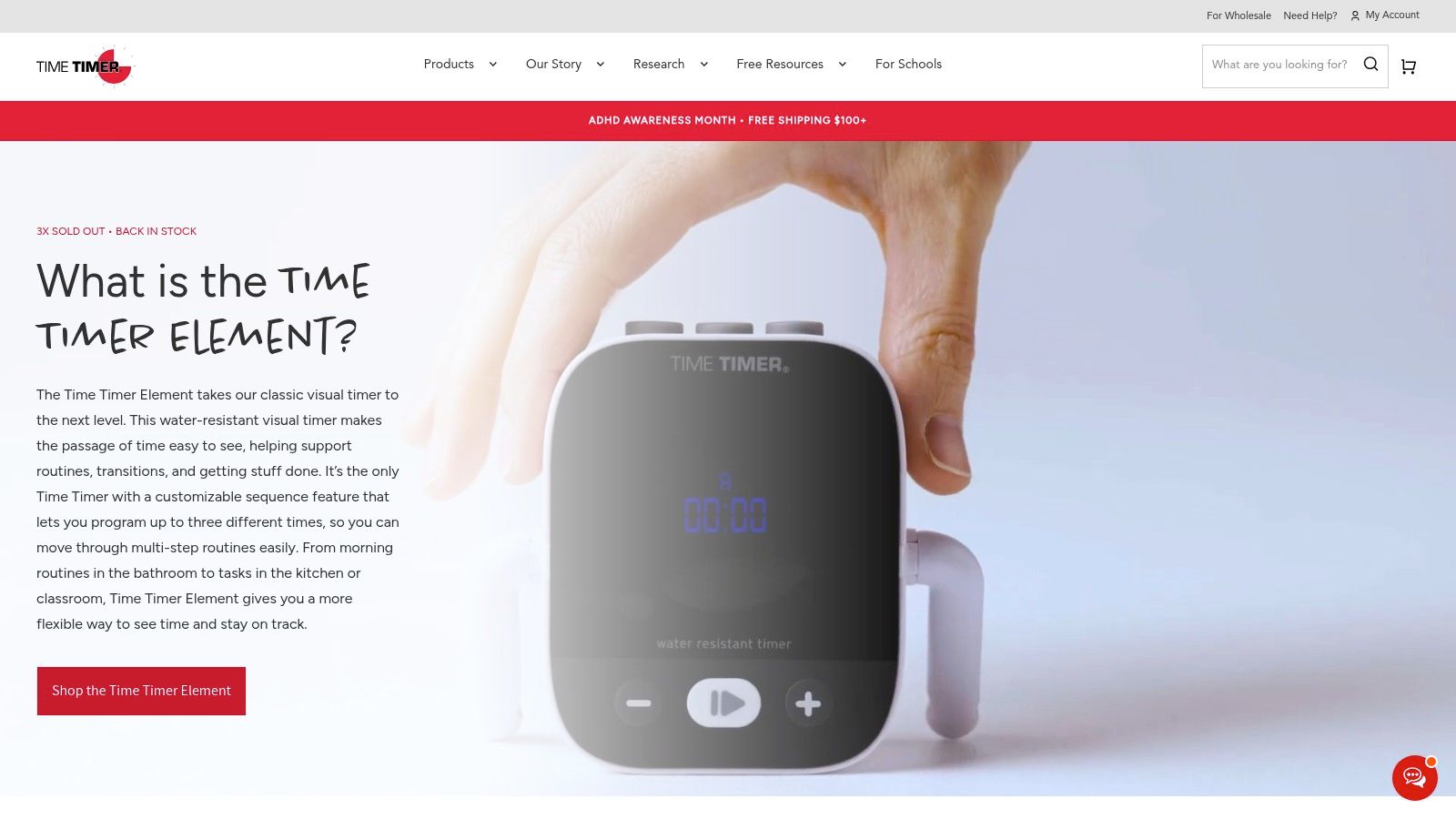
Best for making time visible. Time Timer uses a colored disk that shrinks as minutes pass. You don’t read numbers or do mental math. You glance and see how much of the pie is left, which is exactly what a noisy internal clock needs.
I like the physical version for desks and meeting rooms because it doesn’t invite you into your phone. Set it for a work block, put it in peripheral vision, and let the shrinking color do the nagging. For a deeper look at that setup, see this guide to choosing a visual timer app and where it fits in a wider system.
Where It Clicks and Where It Stops
- At a glance: The disk shows passage without you checking a screen or interpreting a countdown.
- Screen free option: Physical timers come in multiple sizes for desks, shared spaces, and routines.
- Flexible app: Custom durations, colors, and sounds let you tune the cue to the task.
The honest limit is simple. Time Timer won’t plan your day or tell you what happens next, and a physical model isn’t as portable as an app. Prices vary by model, and the app has a free version with paid features in app. For pure visibility, it’s still the cleanest starting point.
2. Tiimo
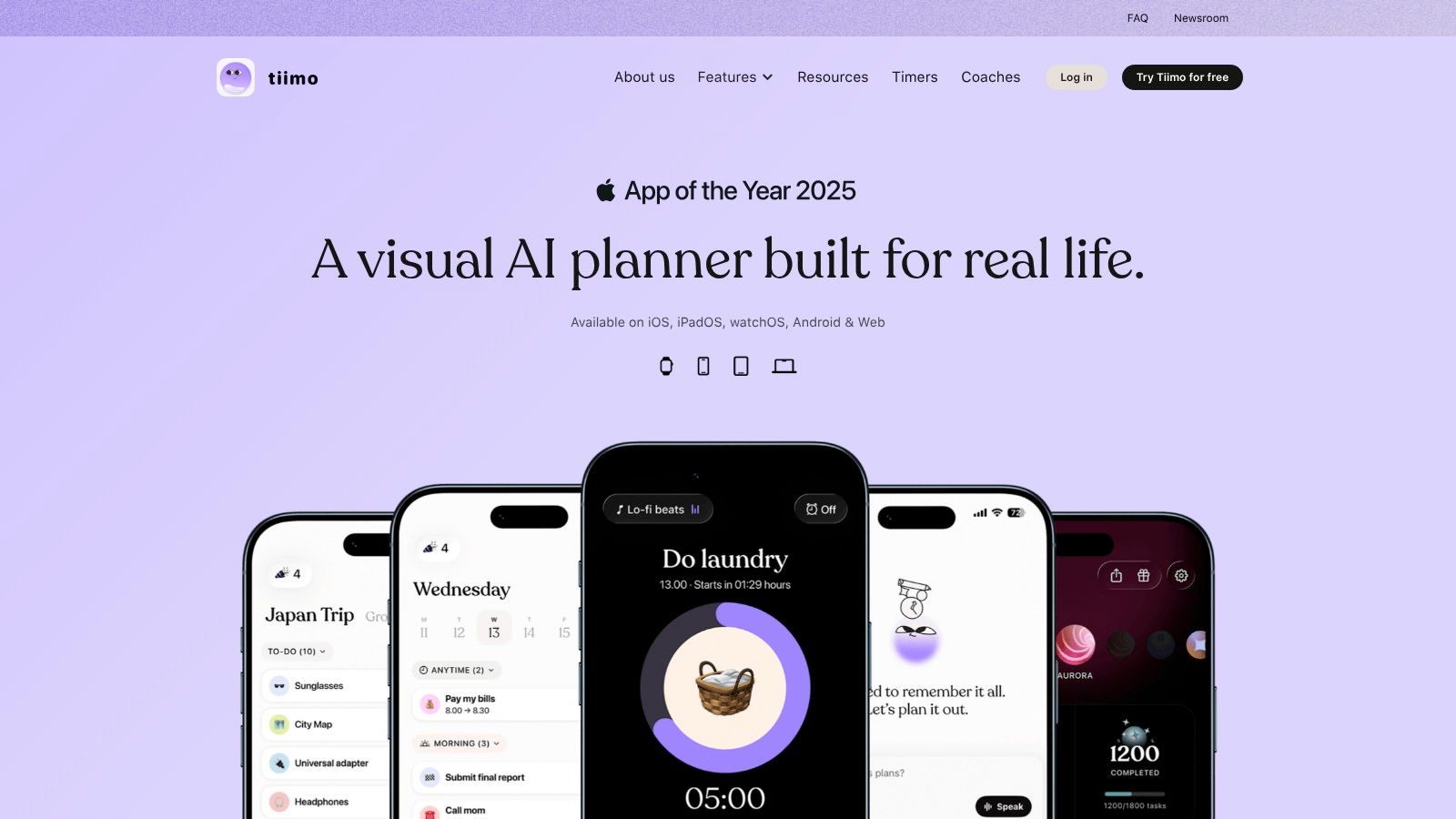
If your problem isn’t one block, it’s the whole shape of the day, Tiimo connects the plan to the moment. It’s a visual daily timeline with routines, reminders, and a focus timer, built for neurodivergent users. You see what’s coming next and how long the current thing has left, in the same place.
Tiimo runs on iOS, Android, Apple Watch, Mac, and web, with calendar import, widgets, and Live Activities. Color coding does heavy lifting here. A blue block for admin and a green block for deep work reads faster than a wall of text when your brain is already full.
That breadth matters because the background issue is broader than forgetting. If you want the mechanics behind it, this overview of ADHD time blindness explains why external timelines help when prospective memory drops the thread.
A free version covers core planning, while Pro adds AI task breakdown and advanced scheduling on monthly and annual plans. Pro is subscription based and prices vary by location and checkout platform. If you only want a simple timer, Tiimo can feel like a lot. If your day keeps losing its outline, that extra structure is the point.
3. Amazing Marvin
Say your estimates are the villain. You confidently schedule nine hours of work into a five hour gap, then feel behind by 10 a.m. Amazing Marvin is built for that exact self deception, with task time estimates and warnings when planned work exceeds available time.
The Estimation Reality Check
Marvin lets you estimate each task, build the day, then watch a visual progress bar during Focus Mode. When the plan overflows, it tells you before reality does. That feedback loop is rarer than it should be. A 2024 meta-analysis covering 824 effect sizes that found a moderate overall ADHD time-perception deficit of g = 0.688 is summarized in Developmental Neuropsychology, yet most tools never show you predicted versus actual duration.
Calibration rule: A timer tells you time passed. An estimate compared with reality teaches you how you misjudge it.
Marvin is highly configurable, which is both the appeal and the cost. You’ll spend time setting up strategies and experimenting before it feels effortless. There’s a 14-day free trial without a credit card, then subscription pricing on the official site. Pick it if you’ll use the customization. Skip it if setup friction kills every system you try.
4. Structured
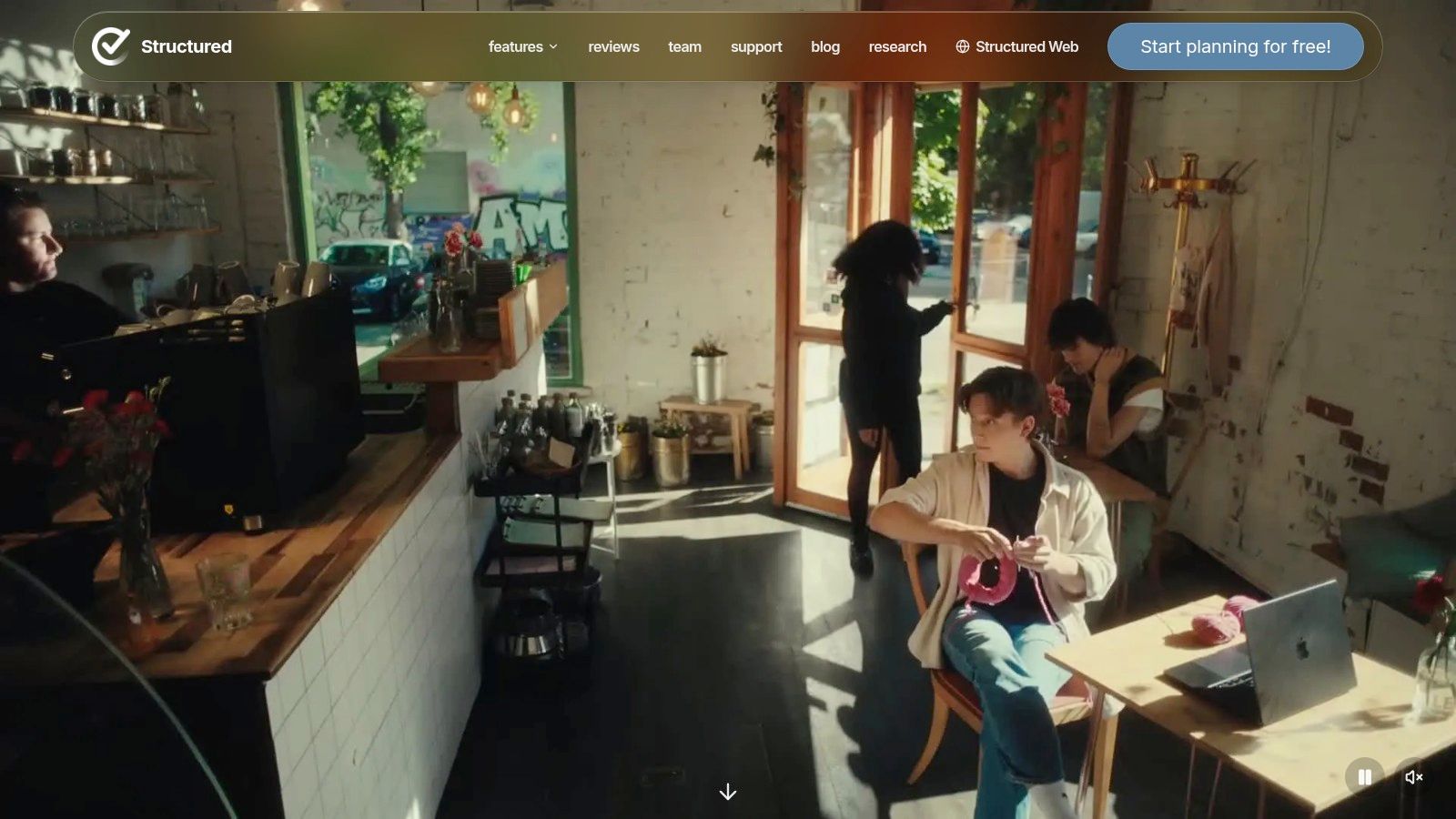
A to-do list lies by omission. Ten tasks look equal on paper even when one takes four minutes and another takes three hours. Structured fixes that by turning your list into a drag and drop daily timeline, so you can see what fits and what comes next.
Dump loose items into the task inbox, drag them into time, add subtasks, and use the built in Pomodoro timer when you start. Widgets keep the next block visible without opening the app. It’s planning you can see collide, which helps founders who keep promising two people the same hour.
The free version includes the planner, inbox, subtasks, and Pomodoro timer. Pro adds calendar connections, recurring routines, AI assisted planning, and automatic replanning for missed tasks. That auto rescheduling is kind when a meeting runs long and the rest of the day needs to shuffle instead of collapse.
Calendar connections and recurring routines require Pro, and the App Store listing describes Apple device support, so check platform coverage first. The US App Store listing shows multiple Pro price points, including $2.99 monthly and $29.99 yearly, and prices may vary. For timeline thinking on Apple devices, it’s clean and useful.
5. Llama Life

Llama Life takes a list and gives every task its own countdown timer. Not one timer for the afternoon. One timer for this email, one for that proposal, one for the call notes. That granularity makes duration concrete in a way a vague block never does.
You’ll see estimated start and end times for the sequence, plus overtime tracking when a task eats its neighbors. Say you line up five tasks starting at 9 a.m. Llama Life shows you’ll finish at 11:40 if your estimates hold, then updates the damage accurately when they don’t. Gentle chimes, visual alarms, and soundscapes keep it friendly rather than scolding.
- Task by task focus: You work through the list instead of endlessly collecting it.
- Presets: Recurring tasks get saved durations, so setup gets faster over time.
- Todoist integration: Optional, if your tasks already live there.
It runs on desktop, iOS, and Android. The official ADHD page lists a 7-day trial and pricing of $6 per month or $39 per year. There’s no calendar view, so it may not replace a full day planner. As a lightweight reality machine for a work session, I find it hard to beat.
6. Routinery
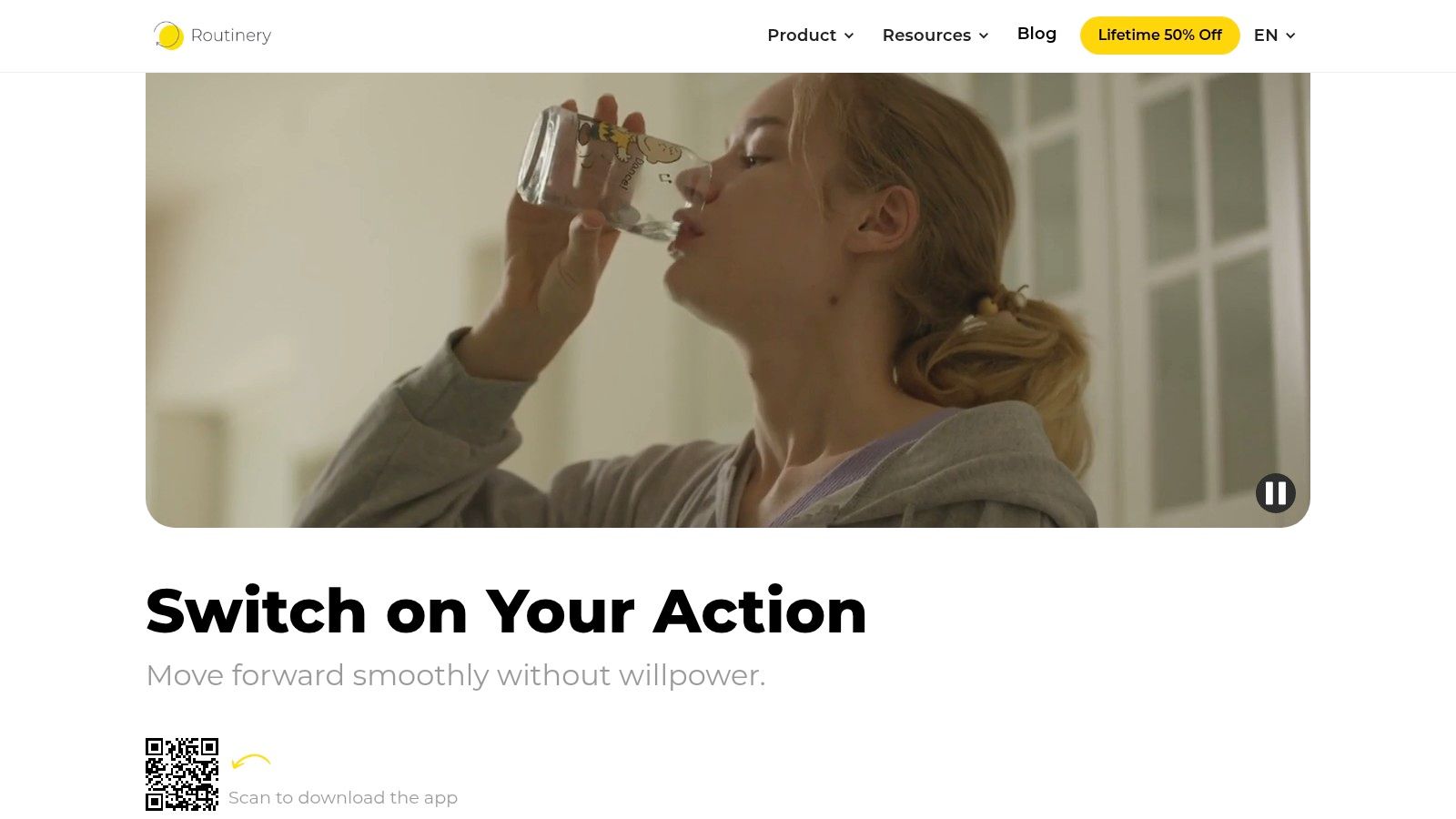
Routines fail at the seams. You shower, then drift. You open your laptop, then wander into three tabs before the actual first task. Routinery guides you through a sequence step by step instead of just recording that you meant to do it.
Break a morning routine or work shutdown into timed steps. Routinery moves you to the next one with voice alerts and notifications, and you can pause, skip, auto advance, or adjust time as real life interferes. Templates, widgets, and completion analytics help you spot which step always balloons.
Built for Repeatable Sequences
That step guidance is exactly what’s missing when transitions stall you. You’re not deciding what comes next while half awake. The app holds the order so your working memory doesn’t have to rehearse it.
It’s free with in app purchases. The US App Store lists options including $5 per month and $36 per year, and shows a 4.7 rating from about 18,000 ratings. Routinery suits repeatable sequences better than flexible project planning, and some features sit behind purchases. If mornings, shutdowns, or gym routines keep dissolving, targeted beats general purpose here.
7. Brili Routines
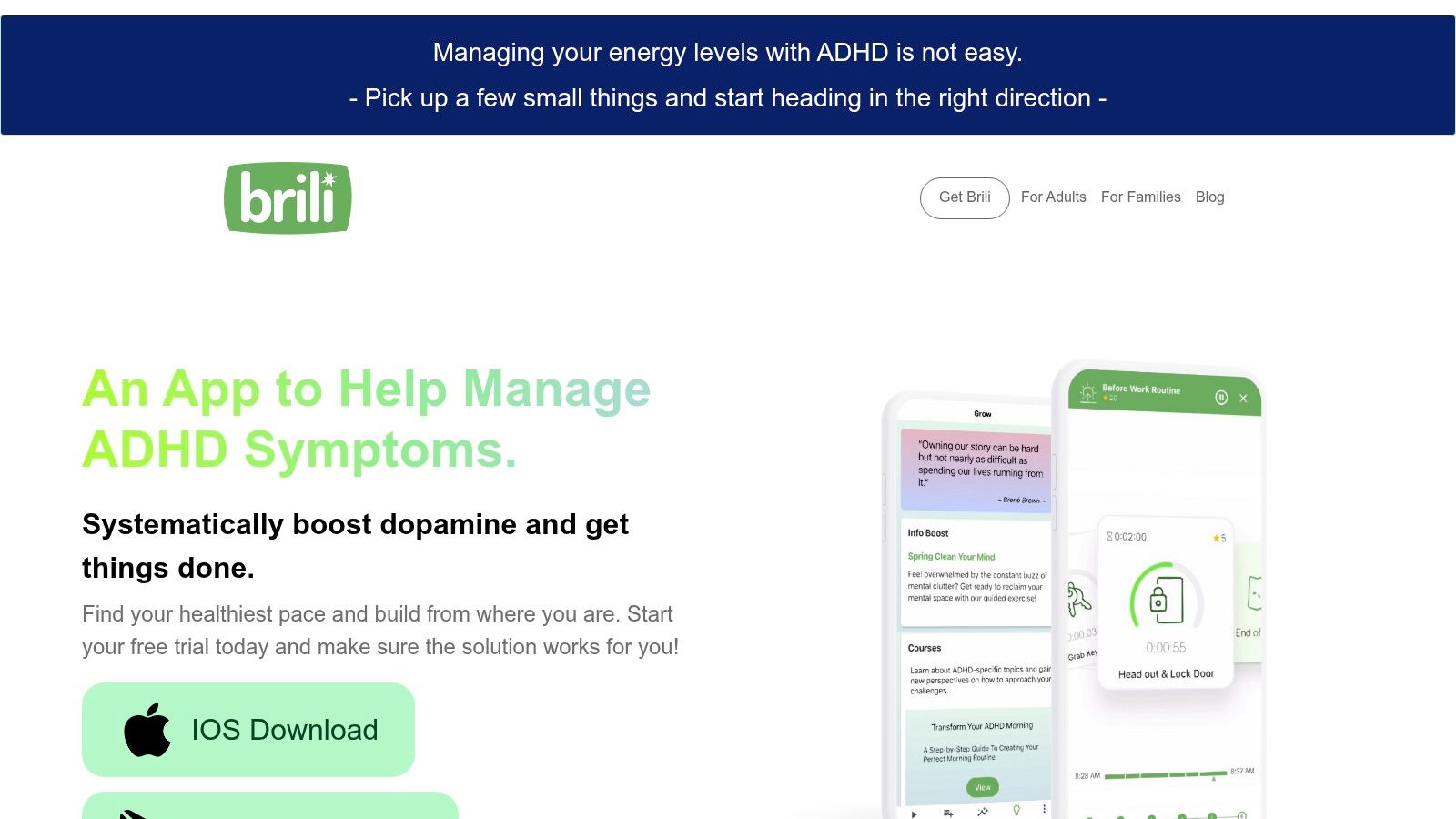
Brili Routines does routines with training wheels already attached. Instead of building every sequence from scratch, you start from templates for common routines, run them as timed steps, and adjust as you learn your actual pacing.
You can schedule a routine or start it on demand, postpone or reorder steps, and review completed tasks afterward. Progress reviews and rewards add a little momentum without turning your morning into a leaderboard. The company says its tools are designed for the ADHD community and developed with input from ADHD and psychology experts.
The best routine tool is the one you don’t have to design for an hour before you can use it for ten minutes.
Adoption is the quiet test for any of these apps. A 2025 peer-reviewed study of Ireland’s Adult ADHD App recorded more than 18,000 downloads between November 2022 and October 2023, approximately 12,000 active users, and roughly 6,400 returning users. Downloads are easy. Returning is what counts, and low setup friction helps.
Brili offers a 10-day free trial, with subscription prices shown in app and varying by country. It primarily supports routines rather than general project or calendar planning. Choose it when the same sequence breaks daily and templates will lower the starting cost.
8. Focus Bear
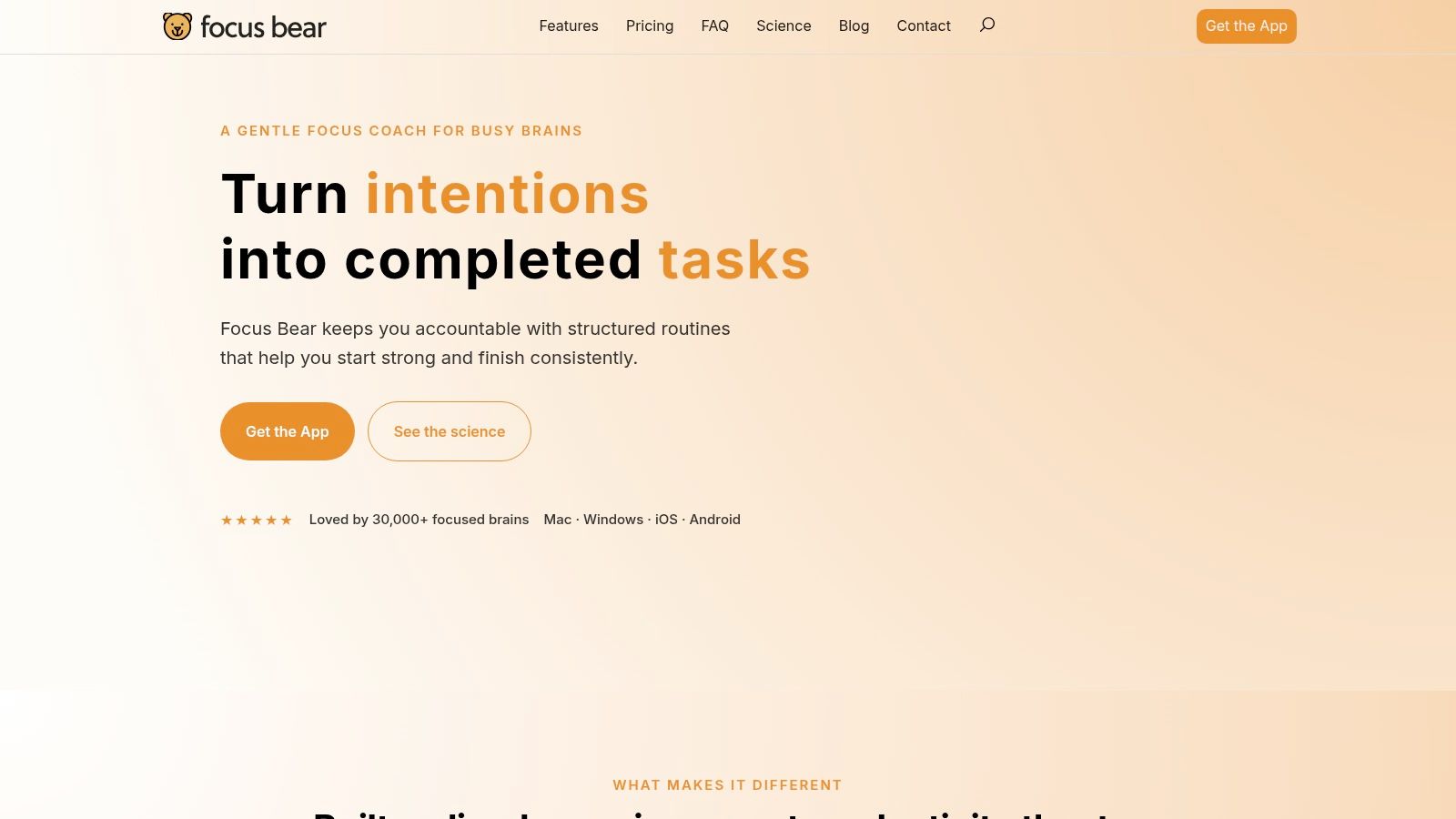
You open a browser to check one thing, then look up to find half the afternoon gone. Focus Bear targets that distraction loop with routines, focus sessions, and app and website blocking. It is designed for ADHD and autistic users and works across Mac, Windows, iOS, and Android.
Set routines and focus modes, block the sites and apps that pull you off task, and use automatic goal tracking and productivity breaks to support follow-through. Cross-device restrictions can make it harder to switch from a blocked laptop distraction to the same one on your phone. The trade-off is that blocking works best when you choose restrictions you can live with, rather than trying to block everything.
For ideas on using AI tools to support concentration, look for ways to reduce distraction without adding another dashboard to manage. Start with the sites and apps you reach for during a task.
Focus Bear addresses distraction and task transitions, not time visibility or duration estimation. Its pricing varies by plan. Choose it when digital interruptions are your main time leak, rather than when you need help seeing how much time has passed.
9. Due
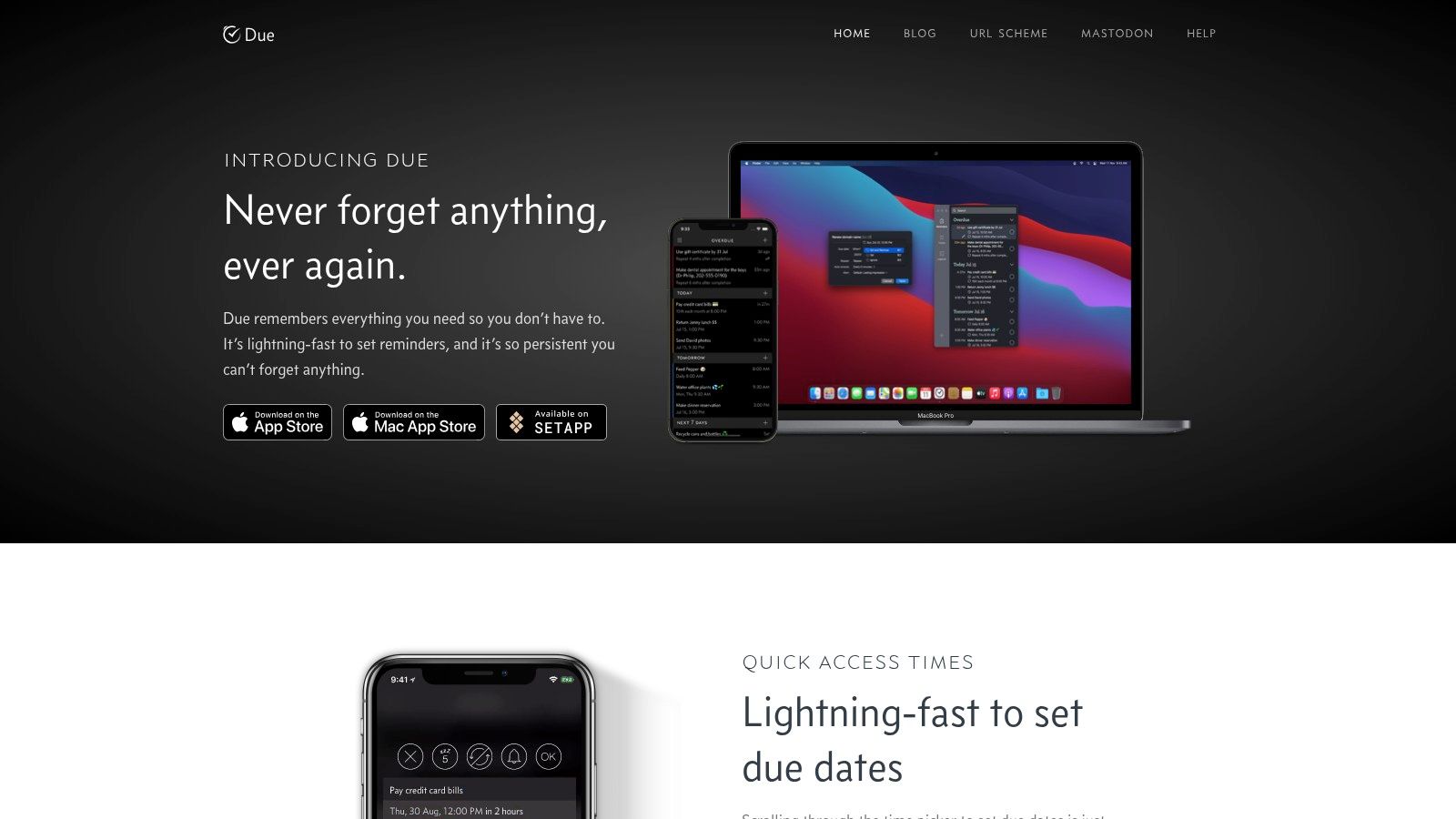
You dismiss a reminder while finishing a thought, then forget it existed. Due is built for that failure mode: its auto-snooze alerts keep returning until you mark a reminder done or reschedule it.
The Reminder That Comes Back
Set a snooze interval, add a reminder quickly, and postpone it with a tap when plans shift. Timers can alert again when they finish, making Due useful for transition cues, departure prompts, medication reminders, or a “leave in fifteen minutes” nudge. Its strength is persistence.
That persistence can also become noise. Research in ACM human-computer interaction work describes calendars, alarms, to-do lists, planners, and habit trackers as common ways to externalize prospective memory. Adults with ADHD in the study viewed these tools as less effective than non-ADHD users, despite similar adoption.
Due is for Apple devices, so it won’t cover every platform. It offers paid options through the App Store; check the listing for current pricing. Keep reminders to a short list of cues that need a repeat prompt. If every task nags, it becomes easier to ignore them all.
10. Flowtime
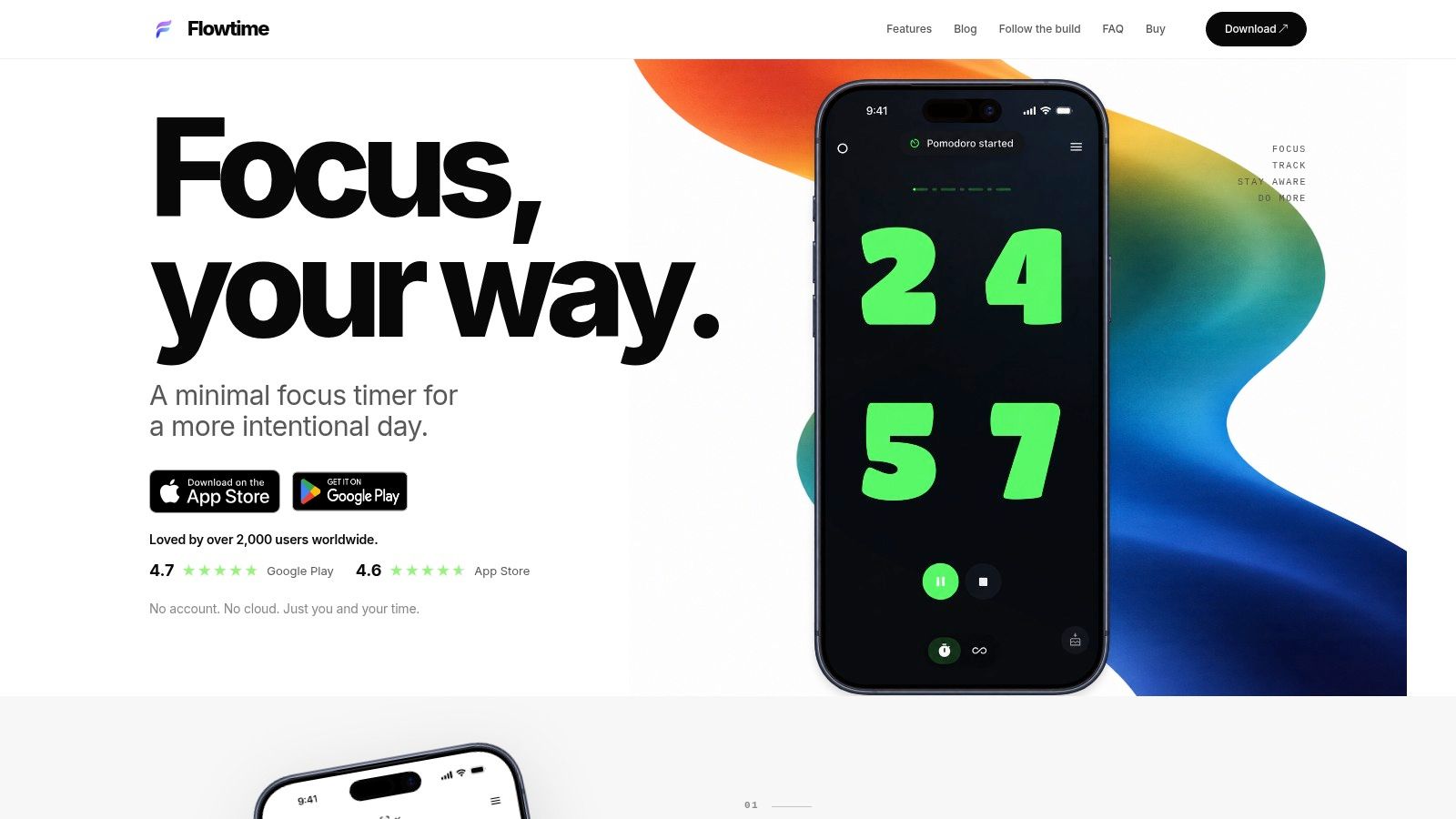
Rigid Pomodoro cycles annoy plenty of ADHD brains. You’re finally in flow at minute twenty four and the buzzer evicts you. Flowtime offers Pomodoro, count up, and flexible Flow Sessions on iPhone and Android, so you can choose structure without surrendering to it.
Count up mode is brilliant for calibration. Start it, work until you naturally stop, then look at how long that was. Pair that habit with the ideas in this breakdown of using a multiple timer app and you start building personal duration data instead of guessing forever.
- Project tracking: Log time by project and review work history reports.
- Custom intervals: Pro adds optional app blocking and personalized focus lengths.
- Private by default: The developer says no account is required and timer and project data stay on the device.
A free version is available. Pro is listed at $2.99 per month, $24.99 per year, or $49.99 for a lifetime purchase, and advanced sessions and unlimited history require payment. It’s mobile focused and won’t replace a desktop planner. For flexible timing plus an honest record of where work went, it’s excellent value.
Time Blindness Tools at a Glance
| Item | Platform | Pricing (from listed sources) | Best for |
|---|---|---|---|
| Time Timer | Physical timers and app; app platform not specified | Free app version with paid in-app features; physical timer prices vary by model | Seeing time pass at a glance, especially with a screen-free cue |
| Tiimo | iOS, Android, Apple Watch, Mac, and web | Free version; Pro subscription with monthly and annual plans; prices vary by location and checkout platform | Visual daily planning with routines, reminders, and focus timing |
| Amazing Marvin | Platform not specified | 14-day free trial; subscription pricing listed on the official site | Customizable task planning and avoiding overpacked days |
| Structured | Apple devices; check listing for platform coverage | Free version; US App Store lists Pro at $2.99/month and $29.99/year, among other prices | Turning tasks into a visual daily timeline |
| Llama Life | Desktop, iOS, and Android | 7-day trial; $6/month or $39/year | Timing individual tasks and seeing their place in the day |
| Routinery | App; platform coverage not specified | Free with in-app purchases; US App Store lists options including $5/month and $36/year | Guided, timed routines with clear next steps |
| Brili Routines | App; platform coverage not specified | 10-day free trial; subscription prices vary by country and are shown in-app | Step-by-step routines with templates and adjustable task order |
| Focus Bear | Mac, Windows, iOS, and Android | $4.99/month; 7-day full-feature trial; basic mode afterward | Supporting routines and reducing digital distractions across devices |
| Due | Apple devices | $7.99 app purchase; $4.99/year mobile Upgrade Pass for additional features | Persistent reminders, transition cues, and timers |
| Flowtime | iPhone and Android | Free version; Pro at $2.99/month, $24.99/year, or $49.99 lifetime | Flexible focus timing and tracking where work time goes |
Build Your Own External Clock
A task runs long, the next one starts late, and the day slips out of view. Don’t install all ten tools at once. Choose one for the failure mode causing the most trouble, then use it for two weeks before adding anything else. That makes it easier to tell whether the tool is helping.
Match the tool to the leak. If time disappears while you work, try a visual timer such as Time Timer. If the day feels crowded before it starts, use a timeline planner such as Structured or Tiimo. If transitions stall you, try a routine runner such as Routinery or Brili. If you dismiss reminders and forget them, Due’s persistent cues may fit better. For unreliable duration estimates, start with Amazing Marvin, Llama Life, or Flowtime, and compare predicted time with actual time.
A layered approach has some clinical support, though the evidence base is young. A 2022 randomized pilot trial in Japan assigned 48 adults with ADHD to group cognitive behavioral therapy targeting time management or treatment as usual, with 24 participants in each group. The intervention group showed significant improvement across clinician-rated, self-reported, and family-reported measures. A 2024 meta-analysis summary reported that digital interventions reduced overall ADHD symptoms compared with controls across 25 randomized trials involving 1,780 participants. Tools work best as part of a system.
A timer can make time visible, but it cannot make an unclear or threatening task easier to start. ACM co-design research on ADHD support discusses needs beyond timing, including avoidance, emotion, and collaborative workflows such as task awareness, body doubling, and reflection. If you’re avoiding a task, define a two-minute entry action, ask someone to check in, or request clarification before changing your timer.
Time blindness tools provide external structure for executive function; they do not replace willpower or change your character. They move timing cues out of your head and into your environment. That distinction can also help when weighing larger business choices, such as choosing between custom and packaged AI. Choose a tool that fits the failure mode, use it through a real week, and keep it only if it helps.
For founders, a useful next step is connecting one tool to planning, delegation, and team handoffs. Jan Kutschera helps founders with ADHD build operating systems around their wiring. His four-pillar method combines Cognitive Architecture, Dopamine Engineering, Strategic Delegation, and Bio-Optimization. The ADHD Founder Starter Kit / Brain Map includes Brain Mapping, a personal report or blueprint, training, and the associated toolkit as described in the offer. Start with one tool this week, and build an external clock you can see.
Jan Kutschera
German founder, diagnosed with ADHD at 51. Built 4 agencies, now building systems for neurodivergent entrepreneurs. German engineering for the ADHD brain.
Connect on LinkedInRelated Articles

Best ADHD Planner App for Founders: 10 Ranked Picks
Searching for the best ADHD planner app? We rank 10 founder-tested options on executive-function support, delegation, sync, privacy and pricing.
ADHD Project Management: Systems That Work with Your Brain
ADHD project management that works with your brain, not against it: external structure, visible tasks, smarter delegation and follow-through that lasts.

Case Studies for ADHD: 6 Proven Models for Founders
Case studies for ADHD: six proven models with tactics founders can apply to structure, delegation, and energy. Practical lessons for sharper focus.